English
  Turkish
  Deutsch

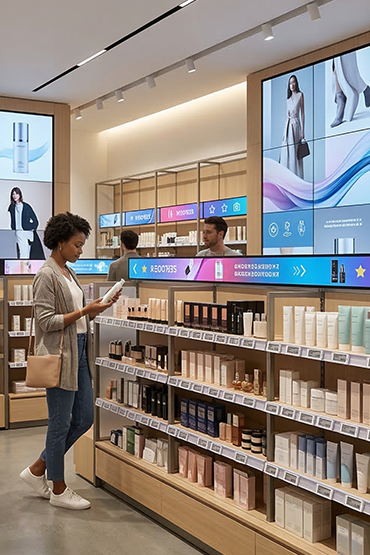
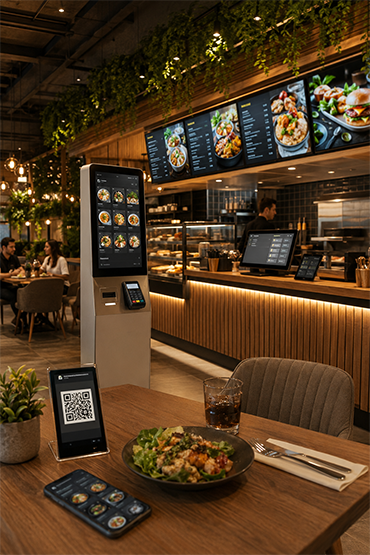
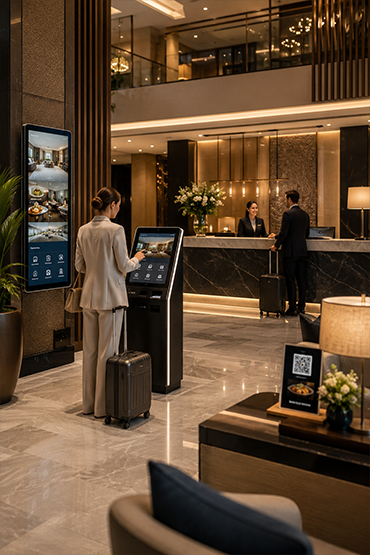
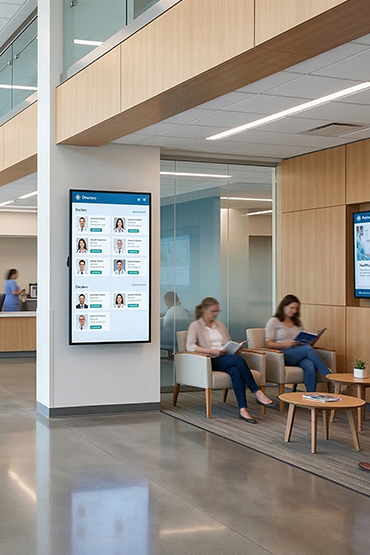
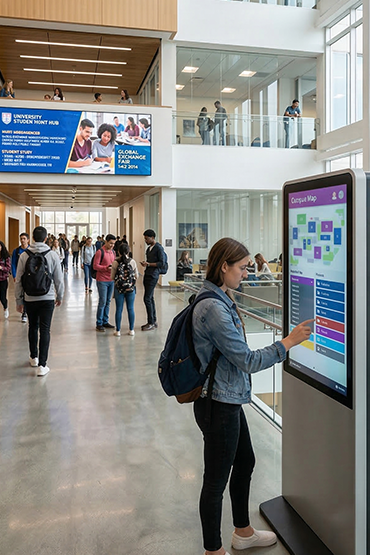
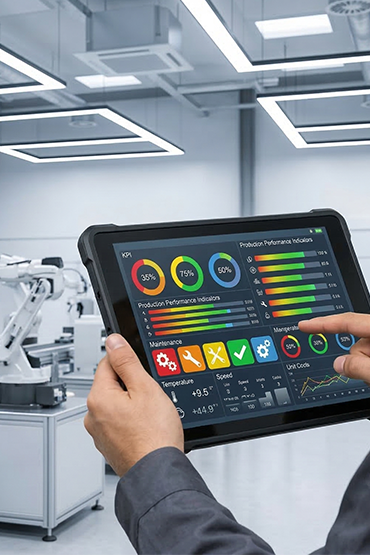
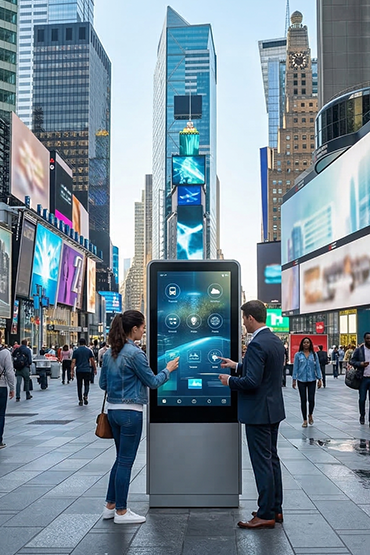













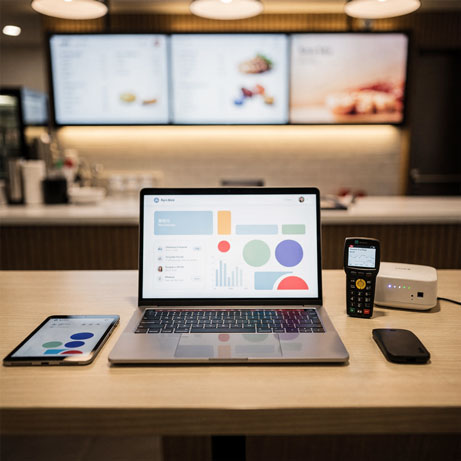
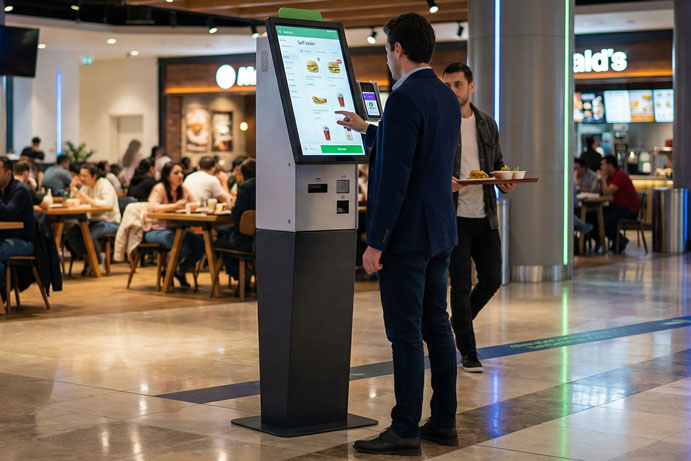
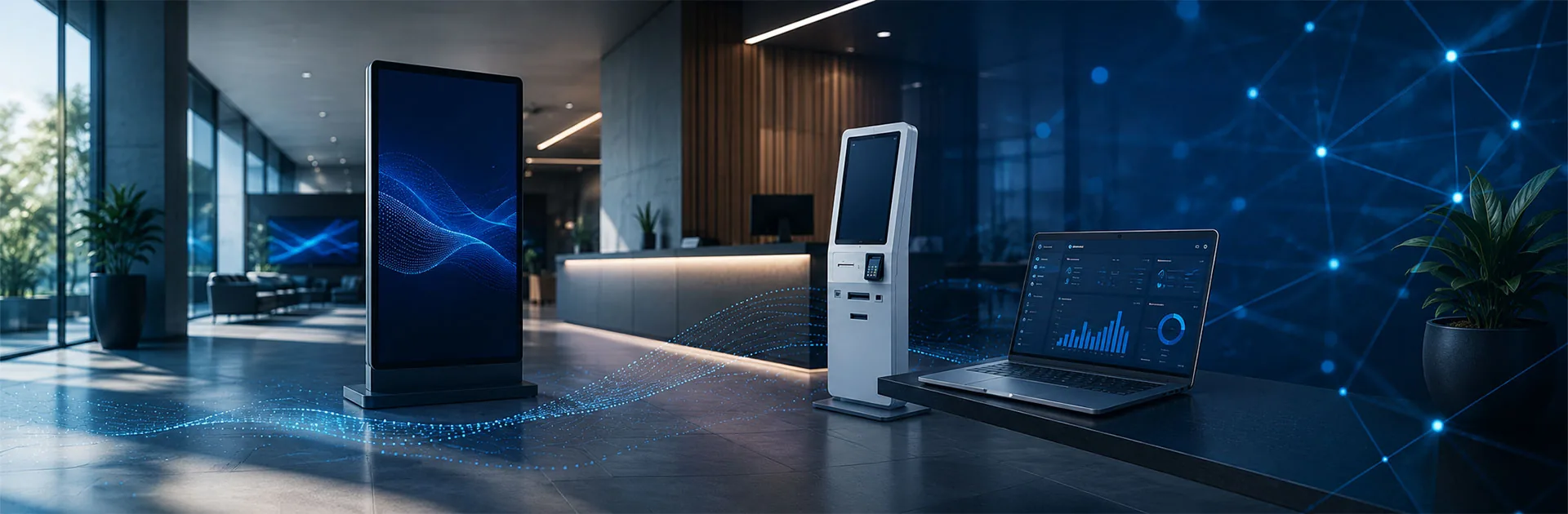

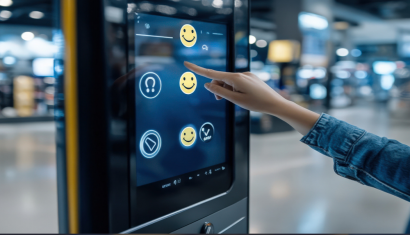
Interactive kiosks give users access to information, products and services without constant staff help. Customers can browse a catalogue, order, check prices or pay. Kiosks can also provide directions and collect information.
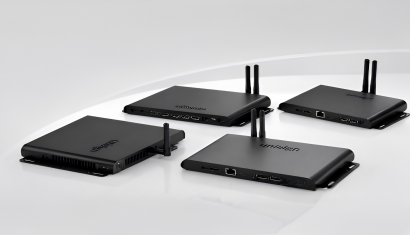
A professional kiosk is more than a touch screen. It combines a display, enclosure, computing hardware, software, connectivity, and project-specific peripherals such as barcode readers, printers, payment terminals, cameras, or physical keyboards.
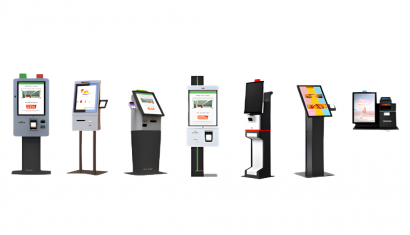
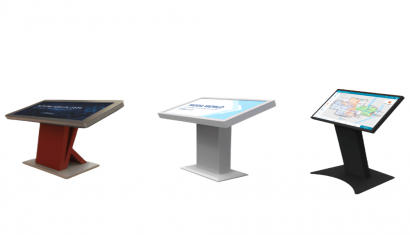
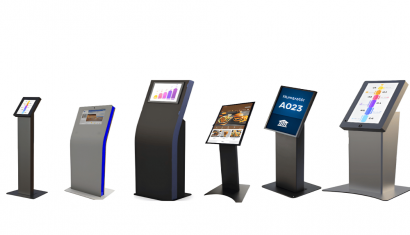
Unisign’s Standard Kiosk range includes different enclosure styles, PCAP touch compatibility, Android and Windows integration, screen sizes that vary by model from 10.1 to 32 inches, and options intended for continuous commercial use.
What Is a Kiosk?
A kiosk is a standalone digital terminal that enables users to access information or complete a defined process through an interactive interface.
Typical kiosk applications include:
- Product and service information
- Interactive catalogues
- Digital wayfinding
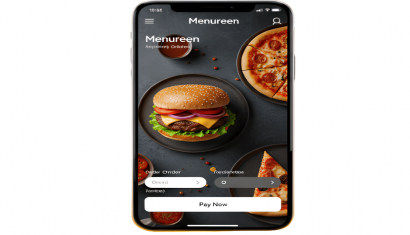
- Self-service ordering
- Product scanning and checkout
- Barcode price checking
- Registration and check-in
- Form submission
- Corporate information and promotions
The required hardware and software depend on what the user is expected to accomplish.
How Does a Kiosk System Work?
A kiosk creates a digital connection between the user and the business system.
The user begins an action through the touch screen, keyboard, barcode reader, or another input device. Kiosk software processes the request and, where necessary, exchanges information with a POS, ERP, product database, booking platform, or central management system.
The result may then be displayed, printed, transferred to another system, or completed through a payment process.
Types of Kiosks
Information Kiosk
An information kiosk presents products, services, events, or institutional content. It can be used in retail, hospitality, healthcare, education, corporate environments, and public buildings.
Wayfinding Kiosk
A wayfinding kiosk helps visitors locate a store, department, room, service desk, or destination. It may include interactive maps, floor plans, directory search, and route guidance.
Interactive Product Kiosk
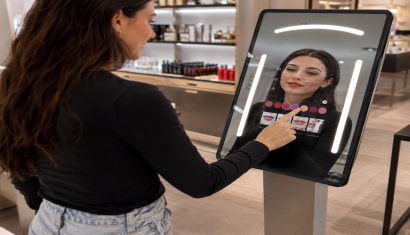
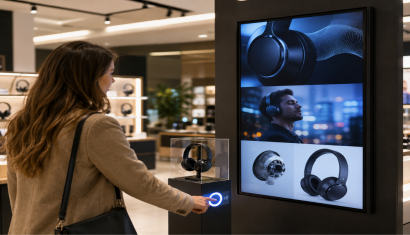
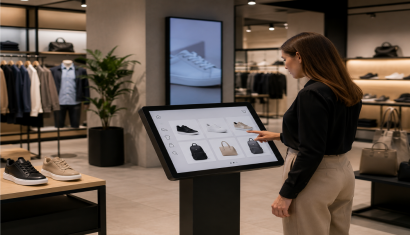
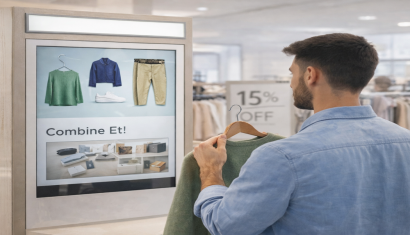
An interactive product kiosk allows customers to explore catalogues, compare specifications, view available options, or access product information that may not be visible on the physical shelf.
Self-Service Kiosk
A self-service kiosk allows users to complete a defined task independently. It can support ordering, registration, information queries, service selection, or form entry.
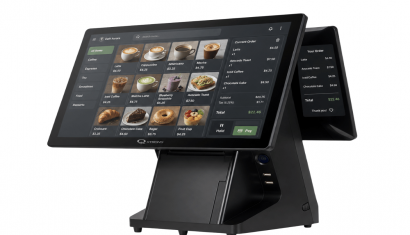
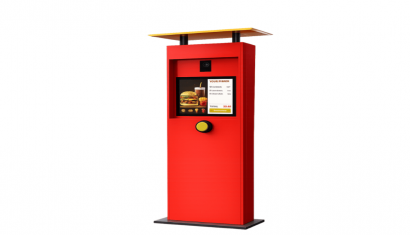
Unisoft Self Order Kiosk solutions offer different display and installation formats, while project-specific configurations can include printers, barcode readers, or payment infrastructure.
Self-Checkout Kiosk
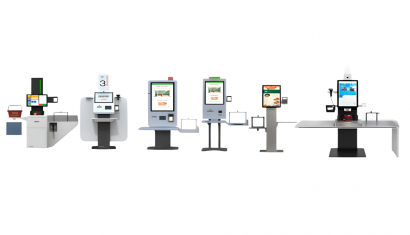
A self-checkout kiosk allows customers to scan products and complete payment through a dedicated retail terminal. Depending on the project, it may include barcode scanning, weighing, payment, receipt printing, and bagging components.
Price Checker
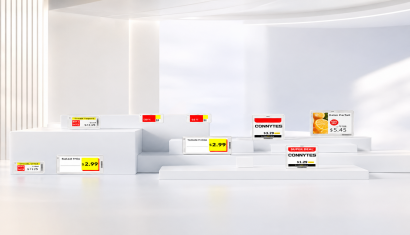
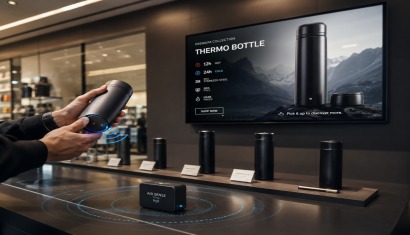
A Price Checker combines barcode scanning with a digital information display. Customers scan a product and view current pricing, promotional information, and product details. Suitable integrations can connect the device with ERP, POS, or store management systems.
Industrial Kiosk
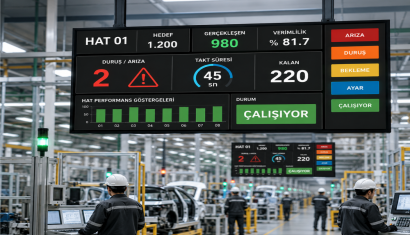
Industrial kiosks are designed for production facilities, warehouses, automation points, and demanding operating environments. Depending on the application, they may require a stainless-steel enclosure, physical keyboard, durable construction, or hardware suitable for extended operation.
Accessible Kiosk
Accessible kiosk design considers screen height, viewing angle, reach distance, touch target size, contrast, text size, and interface timing. An adjustable or ergonomically designed enclosure can support different user profiles.
Main Components of a Kiosk Device
Touch Screen
The display is the primary interaction point. Screen size should be selected according to the amount of content, required touch area, viewing distance, and physical installation.
Enclosure
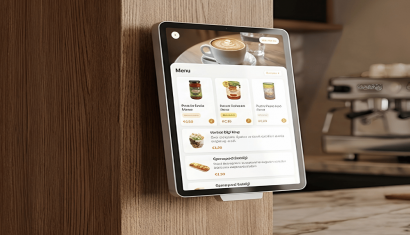
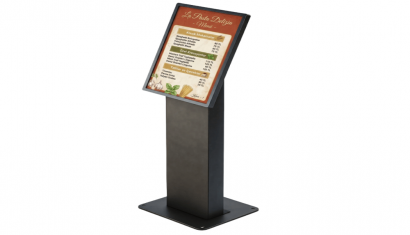
The enclosure may be floor-standing, countertop, desktop, wall-mounted, or custom-built. Installation space, service access, cable management, branding, and environmental conditions should be considered.
Computer and Operating System
Android or Windows hardware may be used depending on software, peripheral, and integration requirements.
Peripherals
A kiosk may include:
- Barcode or QR code reader
- Thermal printer
- Payment terminal
- Physical keyboard
- Camera
- Card reader
- Weighing unit
- Speakers
- NFC or authentication hardware
Compatibility between peripherals, operating system, and kiosk software should be confirmed before deployment.
Kiosk Software
Software determines what the kiosk does. The same physical kiosk can become a product catalogue, ordering terminal, price checker, or wayfinding point through different applications.
Where Are Kiosks Used?
Kiosks can be deployed in retail stores, restaurants, hospitals, hotels, universities, libraries, manufacturing facilities, corporate buildings, transportation environments, and public service locations.
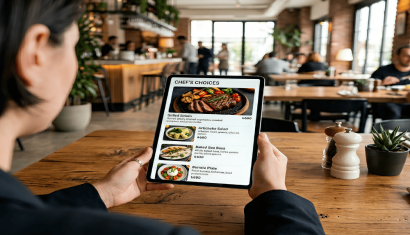
In retail, kiosks may support catalogue access, price checking, product comparison, or self-checkout. In food service, they may support menu browsing and self-ordering. In healthcare and corporate environments, they may provide information and wayfinding.
Kiosk vs. Digital Signage
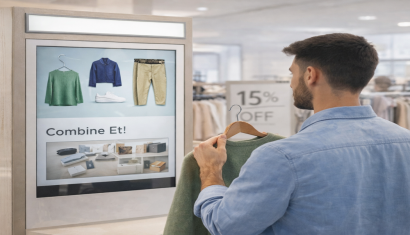
Digital signage usually presents video, images, campaigns, or information in a primarily one-way format. An interactive kiosk enables the user to touch the screen, make selections, and start a process.
The technologies can also work together. A kiosk may present promotional content while idle and switch to an interactive application when a user approaches or touches the screen.
Unisoft provides project structures that combine digital signage infrastructure, self-service kiosks, central content management, hardware, software, and installation.
How to Choose a Kiosk Model
Define the User Task
The first decision should be the process the customer needs to complete. An information kiosk and a payment-enabled self-service kiosk have different hardware, integration, and security requirements.
Select the Appropriate Screen Size
A larger kiosk screen is not automatically better. Compact form entry, interactive product discovery, and long-distance visibility require different display sizes.
Choose the Installation Format
The kiosk may be floor-standing, countertop, desktop, or wall-mounted. Available space, traffic flow, electricity, networking, and service access should be planned together.
Confirm Software and Integrations
ERP, POS, payment, booking, catalogue, or product database integrations should be defined before final hardware selection.
Consider Accessibility
Screen height, reach, text size, contrast, touch targets, and interaction time should support different user profiles.
Plan for Operating Hours
Commercial or industrial hardware should be evaluated for kiosks that will operate for extended periods or in high-traffic environments.
Why Is Kiosk Software Important?
Hardware brings the user to the screen, but software determines whether the process can be completed easily.
A kiosk application should provide:
- Clear navigation
- Short transaction flows
- Readable text and controls
- Error messages and recovery steps
- User permission management
- Remote updates
- Device monitoring
- Session reset
- Data security
- Reporting where required
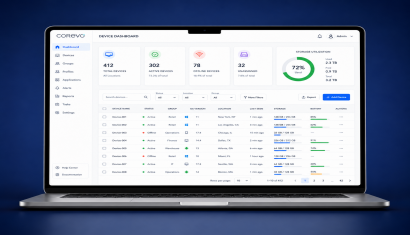
For multi-location projects, centralized updates can reduce the need to visit each kiosk individually.
What Affects Kiosk Pricing?
Kiosk pricing varies according to the complete hardware, software, and service scope.
Main pricing factors include:
- Display size and touch technology
- Resolution and brightness
- Enclosure material and design
- Android or Windows hardware
- Processor, memory, and storage
- Barcode reader
- Printer
- Payment terminal
- Camera or card reader
- Weighing system
- Kiosk software
- ERP, POS, or third-party integration
- Indoor or outdoor requirements
- Branding and customization
- Installation, training, and support
- Project quantity
A reliable quotation requires a clearly defined use case and integration scope.
Kiosk Project Process
A kiosk project normally begins with requirements analysis. User profiles, transaction steps, integrations, operating environment, and physical placement are identified.
Hardware and software are then configured, followed by interface development and integration work. A pilot device should be tested for usability, connectivity, peripherals, printing, barcode scanning, payment, and error scenarios.
After successful testing, deployment, training, remote management, and technical support processes can be planned.
Conclusion
Kiosk systems can digitize information, wayfinding, product discovery, ordering, payment, and price checking. The correct solution is not simply the largest screen or the most elaborate enclosure.
A successful project combines the right user journey, software, hardware, peripherals, integration, accessibility, and physical placement.
Review Unisign Standard Kiosks to compare enclosure and display options. Businesses can also evaluate Self Order Kiosks for restaurant ordering, Self Checkout Kiosks for retail payment, and Price Checker solutions for in-store barcode price queries.
Frequently Asked Questions
What is a kiosk?
A kiosk is a standalone digital terminal that allows users to access information or complete a defined transaction through an interactive interface.
Does a kiosk need an internet connection?
It depends on the application. Real-time information, remote management, payment, and central database access generally require network connectivity. Some simple applications can operate locally.
Should a kiosk use Android or Windows?
The decision depends on application, integration, security, and peripheral requirements. Both platforms can be suitable when properly configured.
Can barcode readers, printers, and payment terminals be added?
Yes. Compatible barcode readers, thermal printers, payment terminals, cameras, keyboards, and card readers can be integrated according to the project.
What is the difference between a kiosk and a self-service kiosk?
Kiosk is the general device category. A self-service kiosk is designed specifically to let users complete ordering, registration, payment, or information processes independently.
How is kiosk pricing calculated?
Pricing depends on display, enclosure, computing hardware, peripherals, software, integrations, quantity, installation, and support.