English
  Turkish
  Deutsch

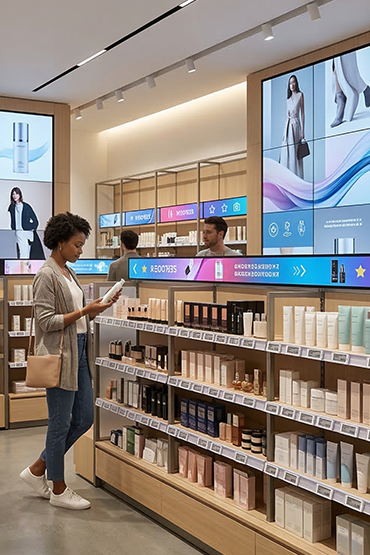
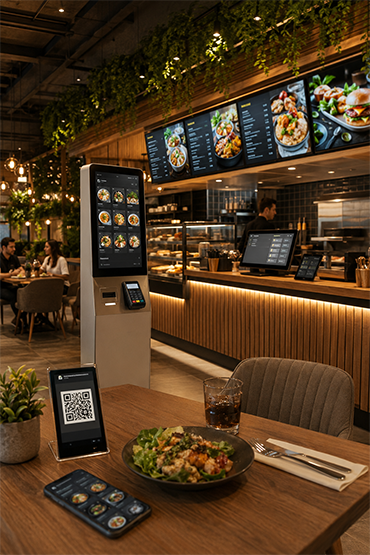
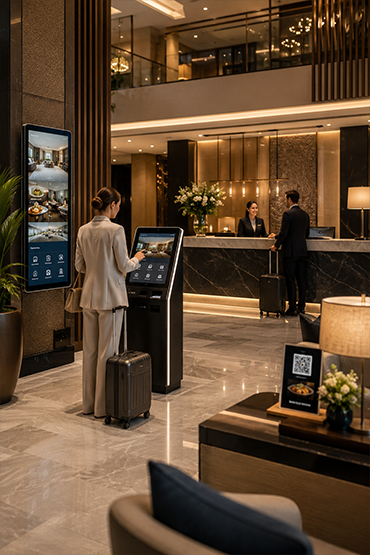
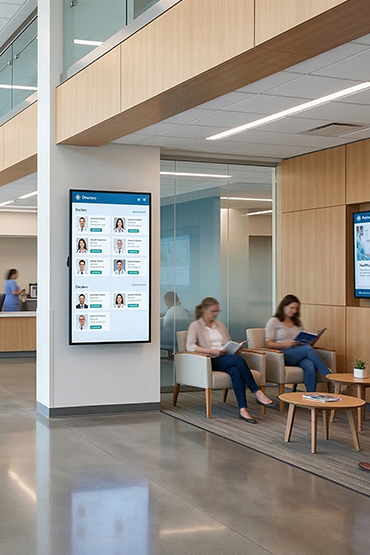
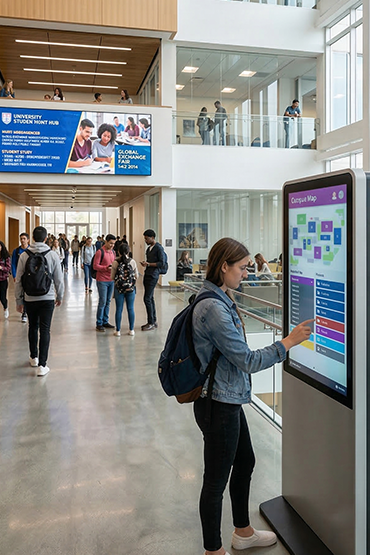















Creating a campaign visual is only the first step in managing retail screens. The file must reach the right branch and screen at the right time. Local prices, screen orientation and store hours also matter. A shared file library alone cannot manage this process.
Plan centralized screen management as a combination of technology, ownership and verification. The aim is not to copy every message everywhere, but to maintain controlled publishing as locations and responsibilities increase.
Build an understandable screen inventory
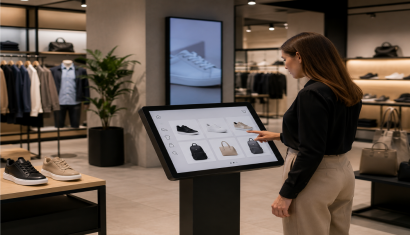
Give each screen a meaningful identity. Record branch, floor, department, orientation, resolution and connected player. A label such as “Ankara entrance portrait” can be easier for publishing teams to understand than an isolated device number.
Add operating hours, technical ownership and the latest inspection date. Decide who maintains this record when hardware changes. Establishing a clear relationship between devices and physical locations is a useful foundation for a growing network.
Group content by purpose as well as branch
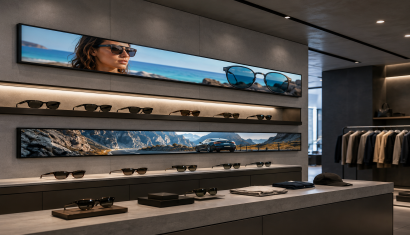
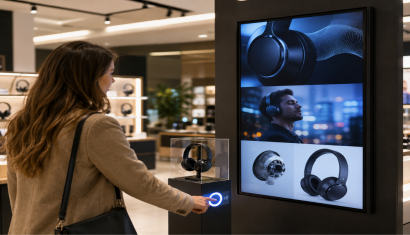
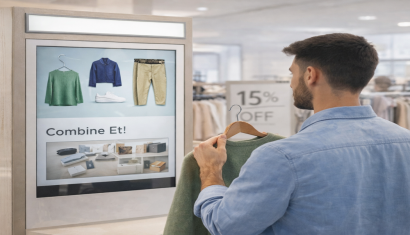
Set different communication goals for entrance screens, storefronts, checkout areas and staff spaces. Instead of sending one video everywhere, consider where each message makes sense. Unisoft's retail solutions describe centrally managed content across multiple locations.
In a hypothetical campaign, the central team might prepare product imagery while a local team changes only branch-specific information. This is a proposed workflow, not a claim that every CMS includes field-level editing and approval. Confirm the required functions in the software demonstration.
Schedule the ending as carefully as the launch
Define when a campaign ends and what follows it. Review device clocks and time zones. Treat screen operating schedules separately from content schedules, particularly when stores close at different times or have different opening patterns.
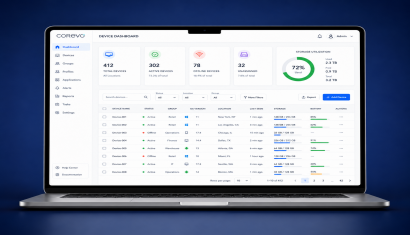
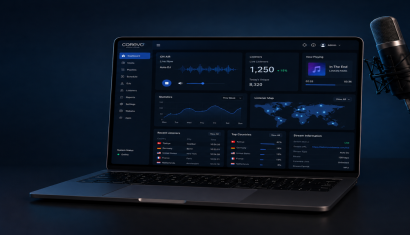
Corevo's product page describes central screen management, scheduling, playlists and device-status monitoring. Frame-accurate playback across several screens is a different requirement from ordinary scheduling, so specify synchronization separately when the project needs it.
Define permissions and approval responsibility
Decide who creates drafts, who publishes and who may access only a particular store. Establish accountable user access rather than relying on an unidentified shared account. Include a process for removing access when employees change responsibilities or leave the business.
Use file names that identify campaign, language, orientation and version. Document how an incorrect price is withdrawn, who approves the correction and how the previous content is restored. Demonstrate the available logging and permission functions in the quoted software package.
Separate connectivity from display health
An online player does not, by itself, prove that its panel is on and showing the correct input. Treat CMS connectivity, playback and panel status as separate checks.
ViewSonic describes power and input control for compatible professional displays.
Ask for a defined interruption scenario. Where local storage is supported, test what continues during a connection loss and what happens to live prices, feeds and new campaigns. Offline playback behaviour depends on the specific system.
Do not confuse publishing records with sales impact
File delivery, playback and visible presentation are different stages. None alone proves that a customer saw a message or bought a product because of it. Interpret reporting according to the event that the system actually records.
Initial measures could include on-time campaign starts, correction time and the number of outdated items. For sales analysis, record simultaneous changes in pricing, availability and other promotions. Do not turn an assumed improvement percentage into a reported outcome without a defined comparison.
Begin with a representative pilot group
Choose a small group of branches with different operating conditions. Test central publishing, local changes, campaign expiry, connection loss and device restart. Use the results to improve the workflow before extending it to the remaining stores.
Review Corevo for publishing management, digital signage software for the software scope and retail and store solutions for the wider store context. Share screen groups and team responsibilities alongside device counts when requesting a proposal. This turns a hardware enquiry into a discussion of the operating system your team actually needs.
Frequently Asked Questions
Must every branch show identical content?
No. Design groups around the branch and the role of each screen. Verify the targeting capabilities offered by the selected platform.
Can individual stores edit their own content?
That depends on permissions. Define which elements remain centrally controlled and which local staff may change, then test the workflow.
What should appear after a campaign ends?
Prepare approved fallback content and test schedule expiry. Check that player clocks and intended publishing times match.
Does an online player prove the screen is displaying content?
No. Connectivity, playback and panel state are separate layers. Establish which layer each report or alert actually measures.
How should management performance be assessed?
Track publishing timeliness, correction time and devices awaiting attention. Evaluate sales effects separately with an appropriate comparison.