English
  Turkish
  Deutsch

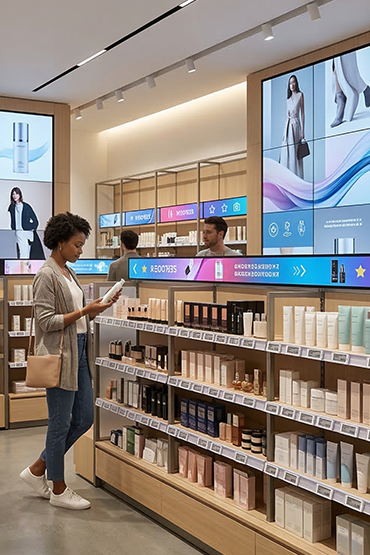
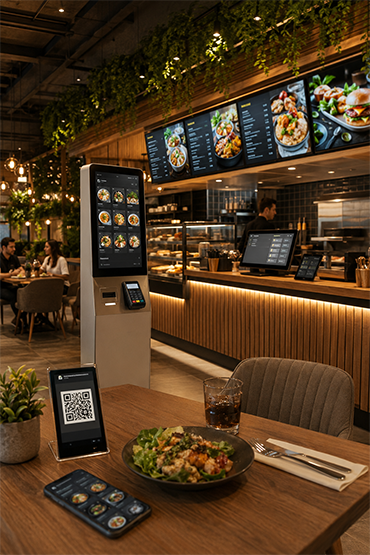
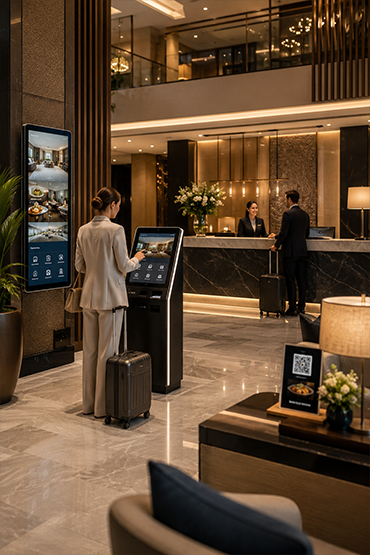
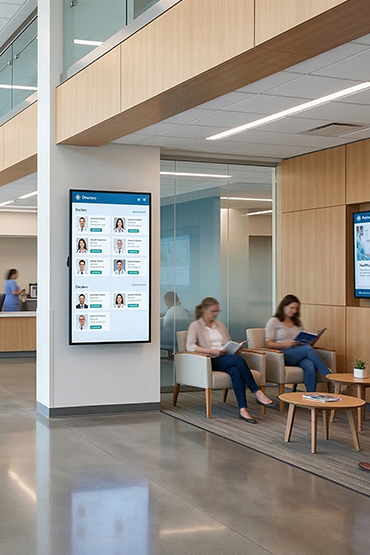
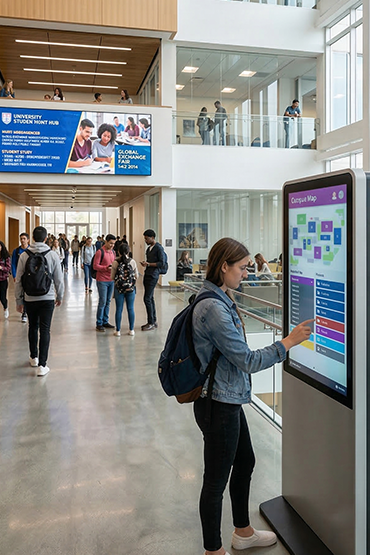













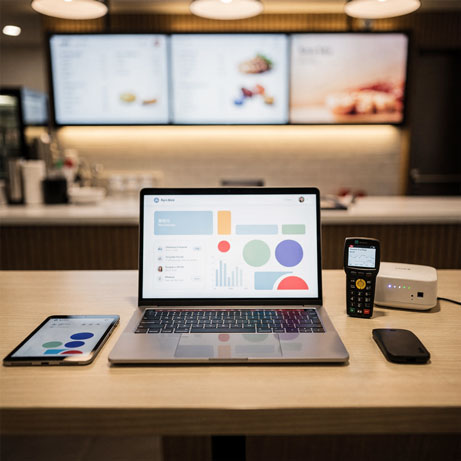
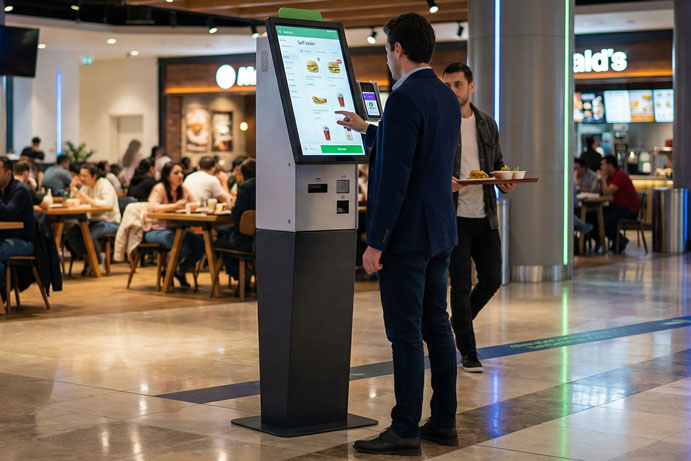
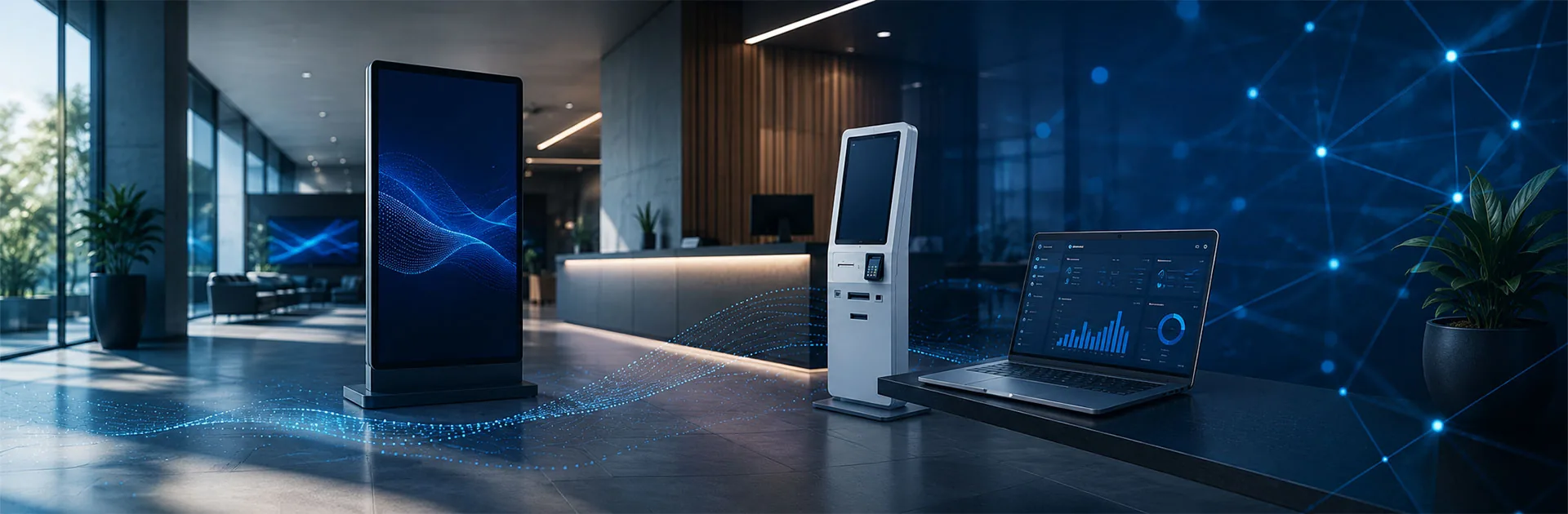
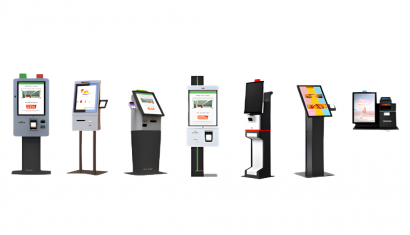
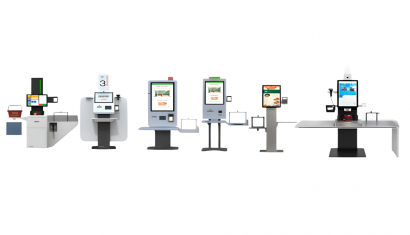
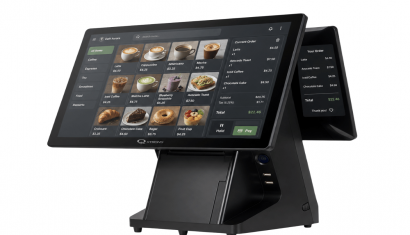
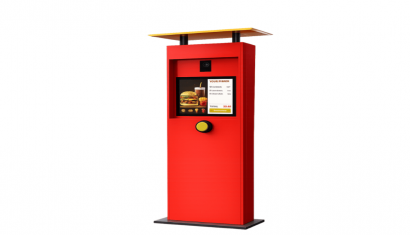
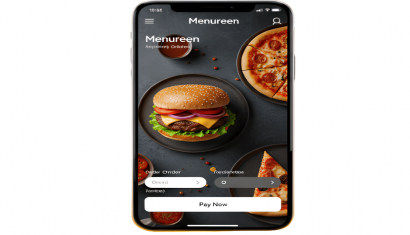
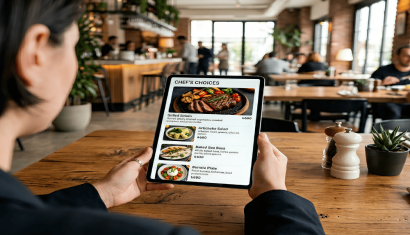
Unisoft Self Order Kiosk lets restaurant and café customers browse menus, select options and create orders. Payment and receipt functions depend on the hardware, software and integration scope.
From larger Edirne and Samsun screens to compact Rize and Konya layouts, selection considers space, printer placement and payment-terminal access. The Costa Coffee Self Order Project in Türkiye demonstrates menu browsing, product selection and kiosk payment in practice. Project scope depends on branch numbers and ordering workflows.
Edirne Self Order Kiosk
Unisign Edirne Self Order Kiosk offers 27-inch and 32-inch display options, providing a large touchscreen area for menus, product images and ordering choices. It can be considered for a dedicated self-service point near the restaurant entrance or ordering area.
Barcode reader and thermal printer options allow the required peripherals to be planned within the kiosk installation. Consider payment terminal positioning, receipt access and user reach alongside screen size. Enclosure and brand-colour customization options help the kiosk fit the restaurant’s visual identity.
Highlights
- 27” and 32” screen options
- Full HD multi-touch screen technology
- 24/7 continuous industrial usage support
- Thermal printer integration
- Barcode scanner integration
- Customizable design options
- Hardware structure adaptable to needs
Mersin Self Order Kiosk
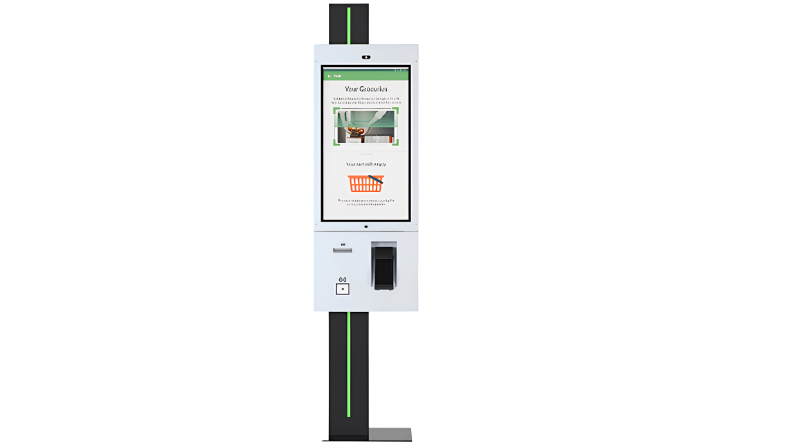
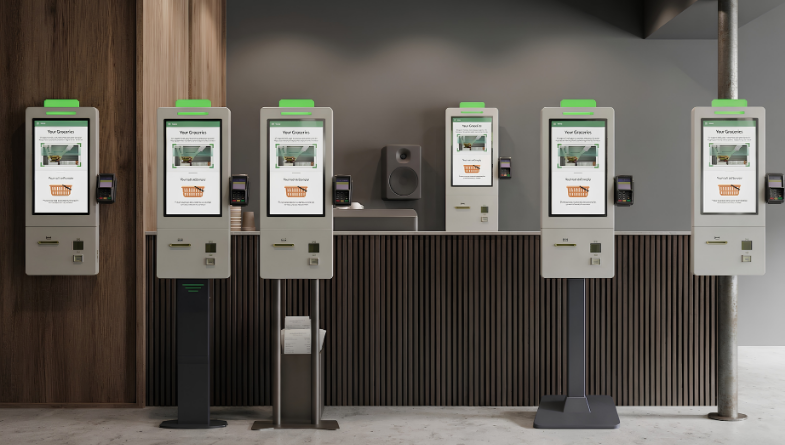
Unisign Mersin Self Order Kiosk is designed for businesses requiring a compact ordering point with flexible installation options. Different stand and wall-mounting alternatives allow the kiosk position to be evaluated against the existing restaurant or retail layout.
Android and Windows configurations can be selected according to the ordering application. Optional shelf arrangements in suitable configurations can also accommodate brochures or promotional materials alongside the digital ordering point. Installation planning should consider customer circulation and service access as well as the display itself.
Highlights
- 21.5” and 24” screen options
- Self-service experience increasing operational efficiency
- Industrial structure suitable for 24/7 heavy usage
- Different stand options
- Wall-mounted usage alternatives
- Android and Windows based system support
Samsun Self Order Kiosk
Unisign Samsun Self Order Kiosk provides 27-inch and 32-inch display options for restaurants and quick-service businesses requiring a larger ordering interface. The range includes single-sided and dual-sided display configurations.
A dual-sided arrangement can combine an ordering interface with a promotional or information display visible from another direction. The purpose and control of the second screen should be defined together with the software. Evaluate screen orientation, payment requirements and printer configuration as part of the same installation plan.
Highlights
- 27” and 32” screen options
- Single-sided screen design
- Double-sided screen usage option
- Self-service experience accelerating order processes
- Industrial structure suitable for 24/7 heavy usage
- Printer integration support
- Structure compatible with payment systems
- Peripheral integration advantage
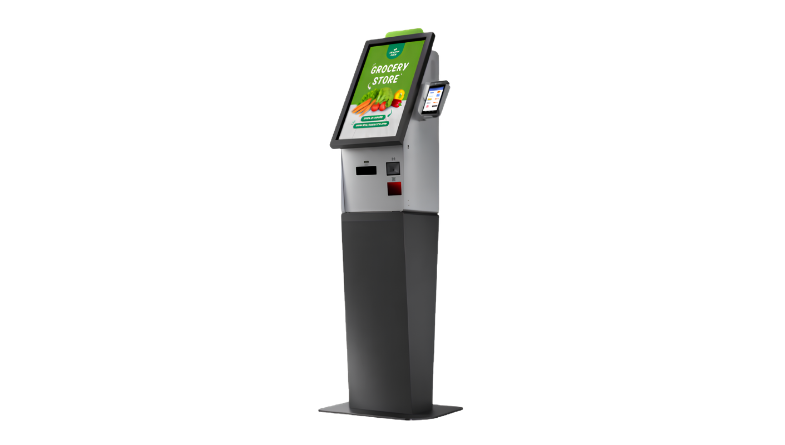
Van Self Order Kiosk
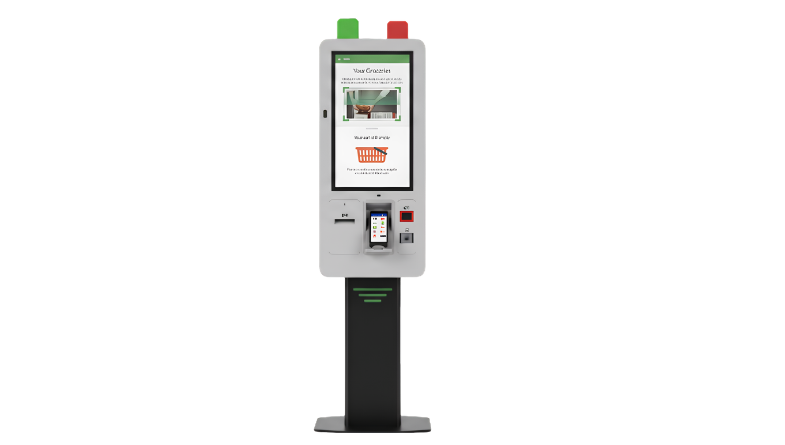
Unisign Van Self Order Kiosk combines a 21.5-inch touchscreen with an ergonomic display angle for close-range interaction. It can be considered for restaurants, cafés and quick-service locations planning ordering and payment at one service point.
The compact enclosure supports brand-colour and logo customization. When selecting the Van model, evaluate menu readability, payment-device accessibility and the space available for completing the transaction. Ordering software and payment connectivity should be matched to the selected hardware.
Highlights
- 21.5” Full HD touch screen
- Structure combining order and payment processes at a single point
- Industrial design suitable for 24/7 heavy usage
- Android-based easy content management
- Customizable color options
- Structure suitable for logo and brand applications
Rize Self Order Kiosk
Unisign Rize Self Order Kiosk combines ordering and payment in a compact format with 21.5-inch and 23.8-inch display options. It can be considered for desktop or countertop installations in restaurants and cafés.
Android and Windows-compatible configurations can be selected according to the application. Counter height, display angle and access to the payment device should be reviewed before installation. This helps position the kiosk as a practical ordering point rather than simply fitting it into the available space.
Highlights
- 21.5” and 23.8” screen options
- Desktop usage alternative
- Countertop usage support
- Structure digitalizing order and payment processes
- Compact design advantage
- Structure providing maximum space efficiency
- Android and Windows compatible system infrastructure
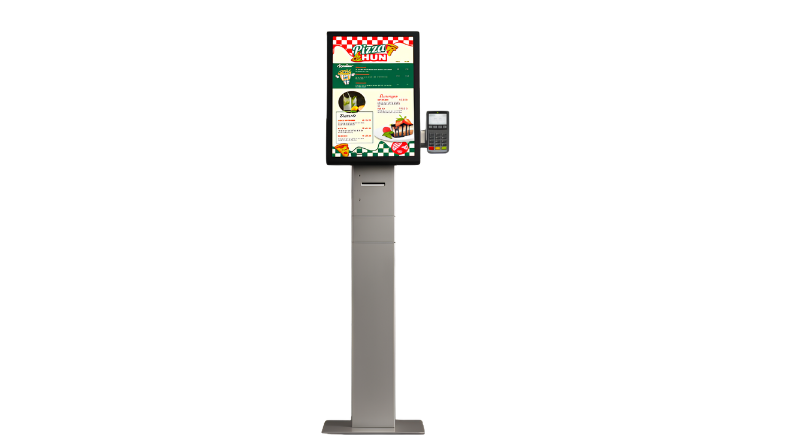
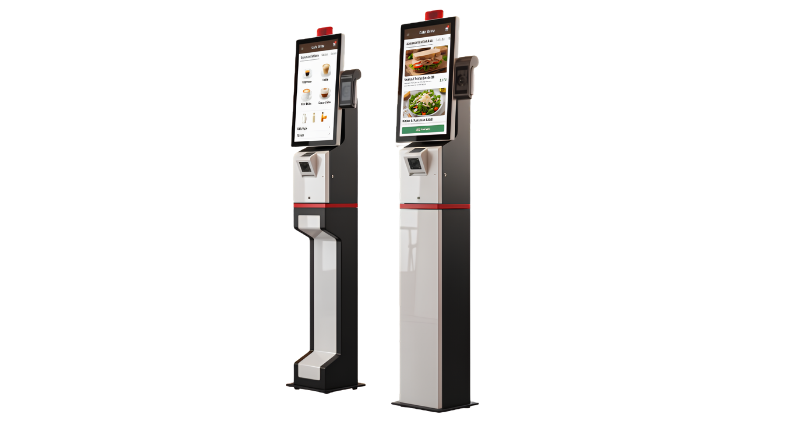
Sivas Self Order Kiosk
Unisign Sivas Self Order Kiosk combines 21.5-inch and 23.8-inch displays with desktop and floor-standing installation alternatives. It offers placement flexibility for businesses considering the same model family across different restaurant layouts.
Ordering, payment and required peripherals can be planned within the selected configuration. Counter space is important for desktop use, while customer circulation and service access matter for freestanding installations. In multi-location projects, the installation should suit each branch rather than imposing the same placement everywhere.
Highlights
- 21.5” and 23.8” screen options
- Desktop usage alternative
- Floor-standing usage option
- Structure digitalizing order and payment processes
- Integrated payment system support
- Peripheral integration advantage
- 24/7 industrial usage performance
Konya Self Order Kiosk
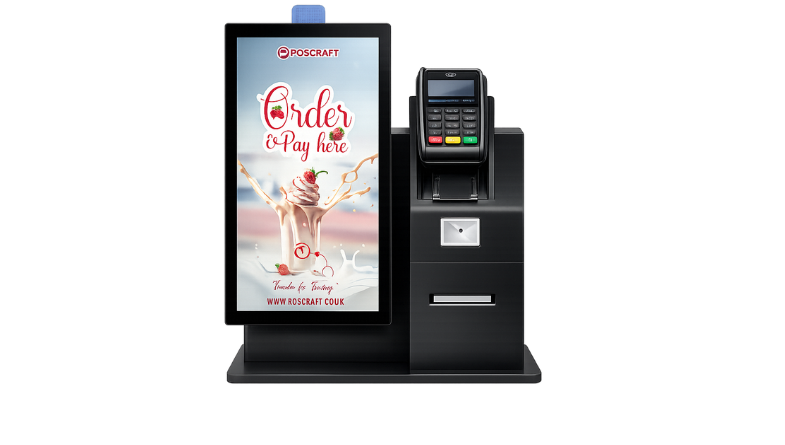
Unisign Konya Self Order Kiosk provides a compact solution for businesses creating a countertop ordering and payment point. Its 21.5-inch and 23.8-inch display options can accommodate different menu layouts and installation requirements.
Payment-device placement and receipt printing should be considered as part of the kiosk configuration. Brand-colour and enclosure customization can align the unit with the venue. For a suitable quotation, provide counter dimensions, printing requirements and the intended payment infrastructure together.
Highlights
- 21.5” and 23.8” screen options
- Structure combining order and payment transactions at a single point
- Floor-standing or countertop compact design
- Android and Windows compatible system infrastructure
- Customizable corporate design options
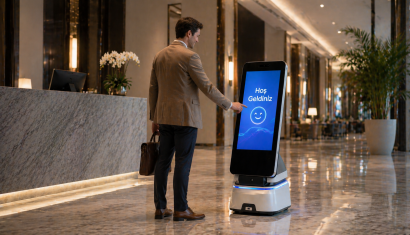
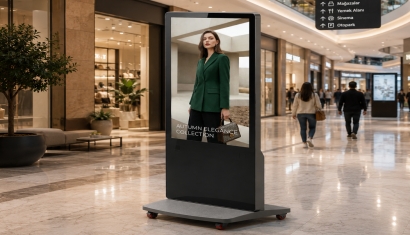
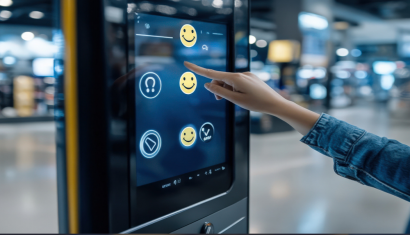
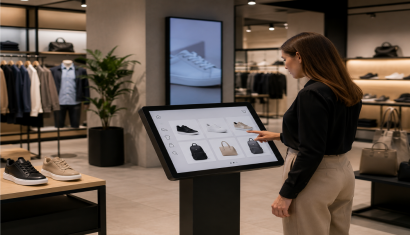
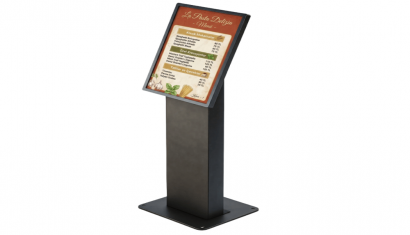
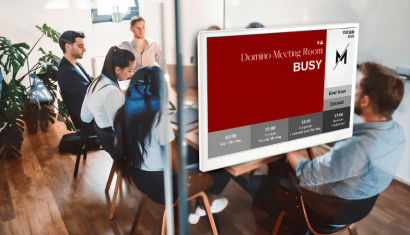
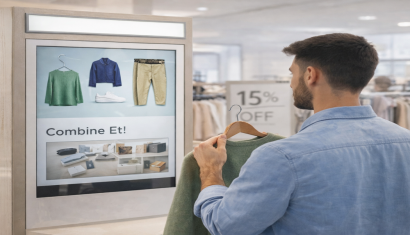
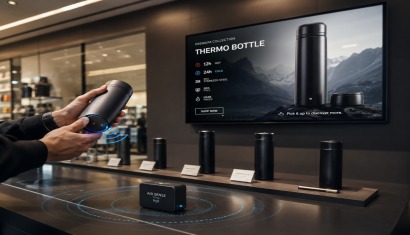
A kiosk is a standalone digital device that allows users to access information, explore products, navigate services, or complete self-service tasks through a digital display. Touch screen kiosks can be configured with different hardware and software for retail, healthcare, hospitality, showrooms, public spaces, and corporate environments.
Kiosk devices can be used in retail stores, shopping malls, hospitals, banks, hotels, educational institutions, showrooms, manufacturing facilities, and public environments. Depending on the project, they can function as information kiosks, product presentation terminals, self-service stations, or digital wayfinding points.
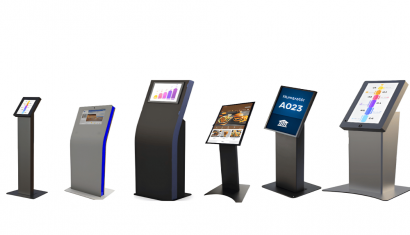
The right kiosk model depends on the intended application, screen size, touch requirements, ergonomics, installation area, and required peripherals. A compact information kiosk and an industrial kiosk, for example, have different enclosure and hardware requirements. Unisign A, B, C, D, E, F, L, P, and Q models address different project scenarios.
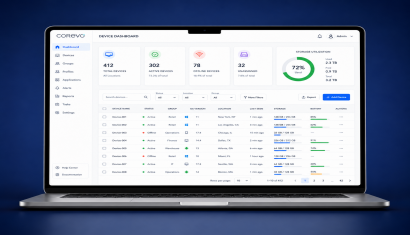
A kiosk's functionality is determined by the software it runs. Information, product catalog, wayfinding, survey, and self-service applications can be deployed according to project requirements. Android- or Windows-based kiosk systems can also be integrated with centralized management and content update platforms.
Kiosk pricing may vary depending on screen size, touch technology, enclosure design, operating system, processing hardware, peripherals such as barcode readers or printers, software requirements, and project quantity. A project-specific quotation is therefore usually prepared after the technical requirements are defined.
Briefly share your needs and our expert team will analyze the most suitable solution for you. We can schedule a project-specific demo, prepare a detailed quote, or review your technical questions together. We will contact you as soon as possible.