English
  Turkish
  Deutsch
















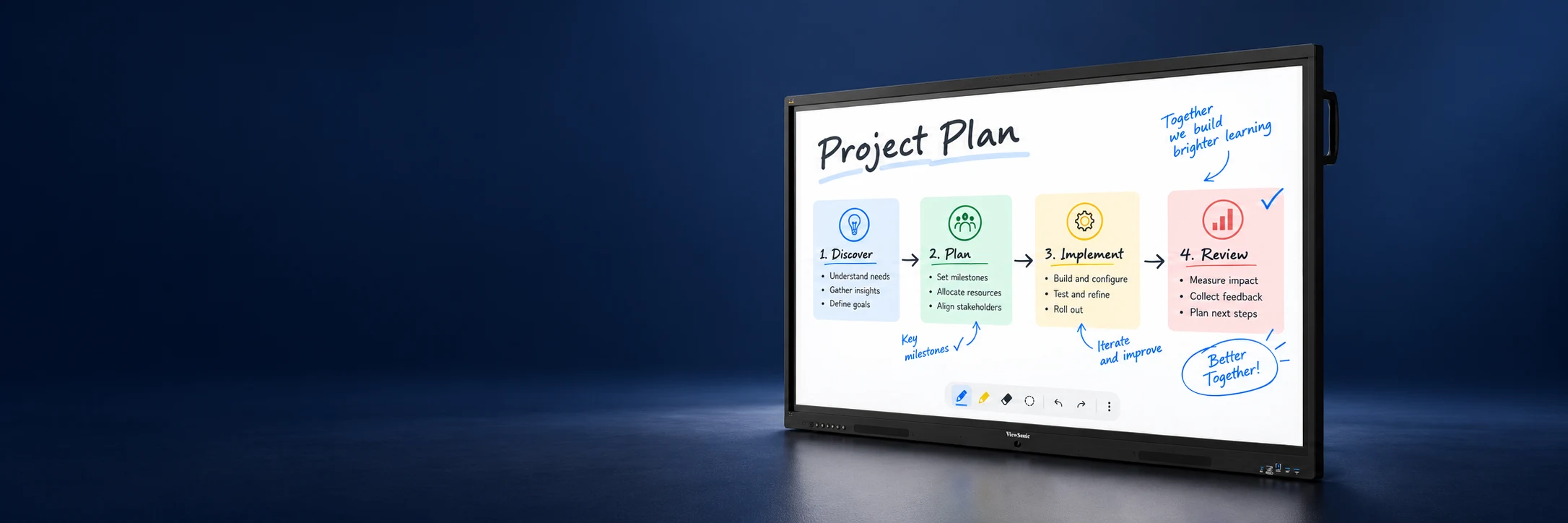
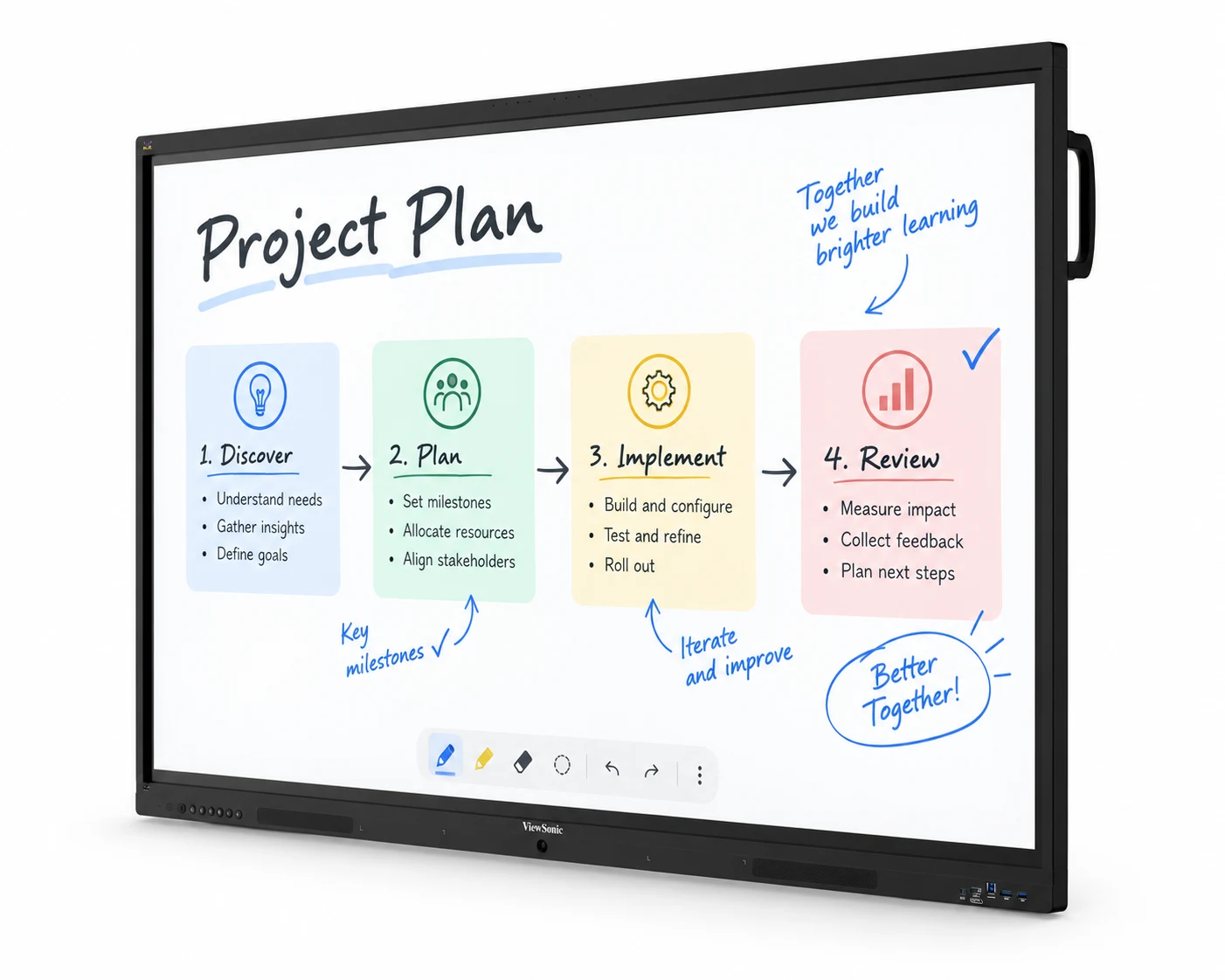
Work and Create Together
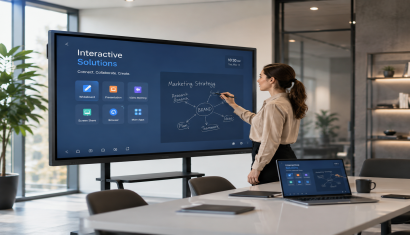
Review project plans as a team, annotate presentations and make training interactive. ViewBoard provides a shared touchscreen for working together.
Choose the size and connections with Unisoft around your room, participants and computers.
55–110 inches • Touchscreen • USB-C
Technical specifications and models
IFP41-1 Series
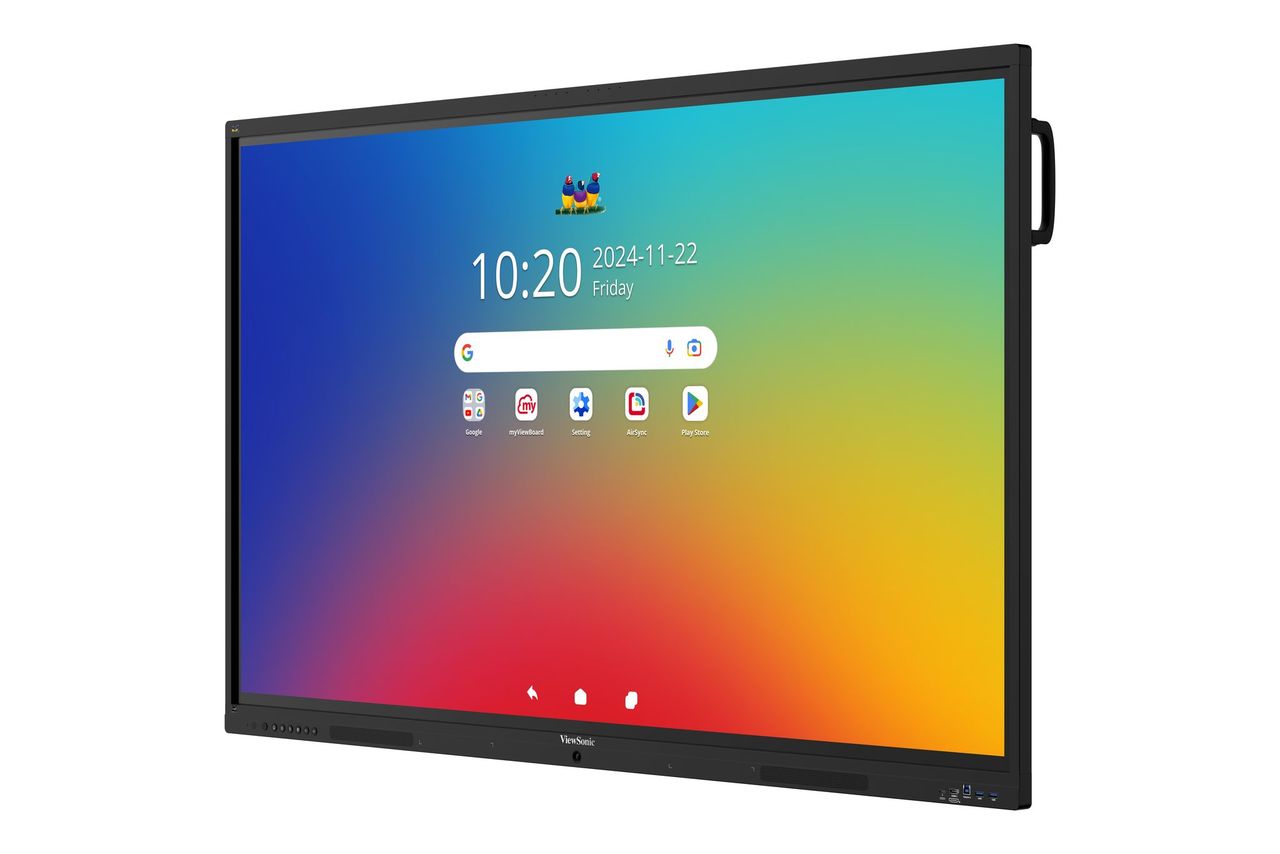
Android 16, up to 64 touch points, USB-C power delivery up to 100 W and an eight-microphone array make this a choice for meeting and collaboration spaces.
- IFP5541-1 — 55 inches
- IFP6541-1 — 65 inches
- IFP7541-1 — 75 inches
- IFP8641-1 — 86 inches
- IFP9841-1 — 98 inches
IFP35-1 Series
Android 16, up to 64 touch points, USB-C power delivery up to 65 W and 2 × 20 W speakers offer an alternative for learning and collaborative work.
- IFP6535-1 — 65 inches
- IFP7535-1 — 75 inches
- IFP8635-1 — 86 inches
ViewBoard IFP110
A 110-inch 4K interactive surface, Android 13 and USB-C power delivery up to 100 W make the IFP110 an option for larger meeting and training spaces.
Discuss screen size and connections with Unisoft. Installation should be planned around the computers and applications you intend to use.
The on-screen content illustrates a possible use case. Cabinet dimensions vary by model and size.
Make Ideas Visible in Meetings
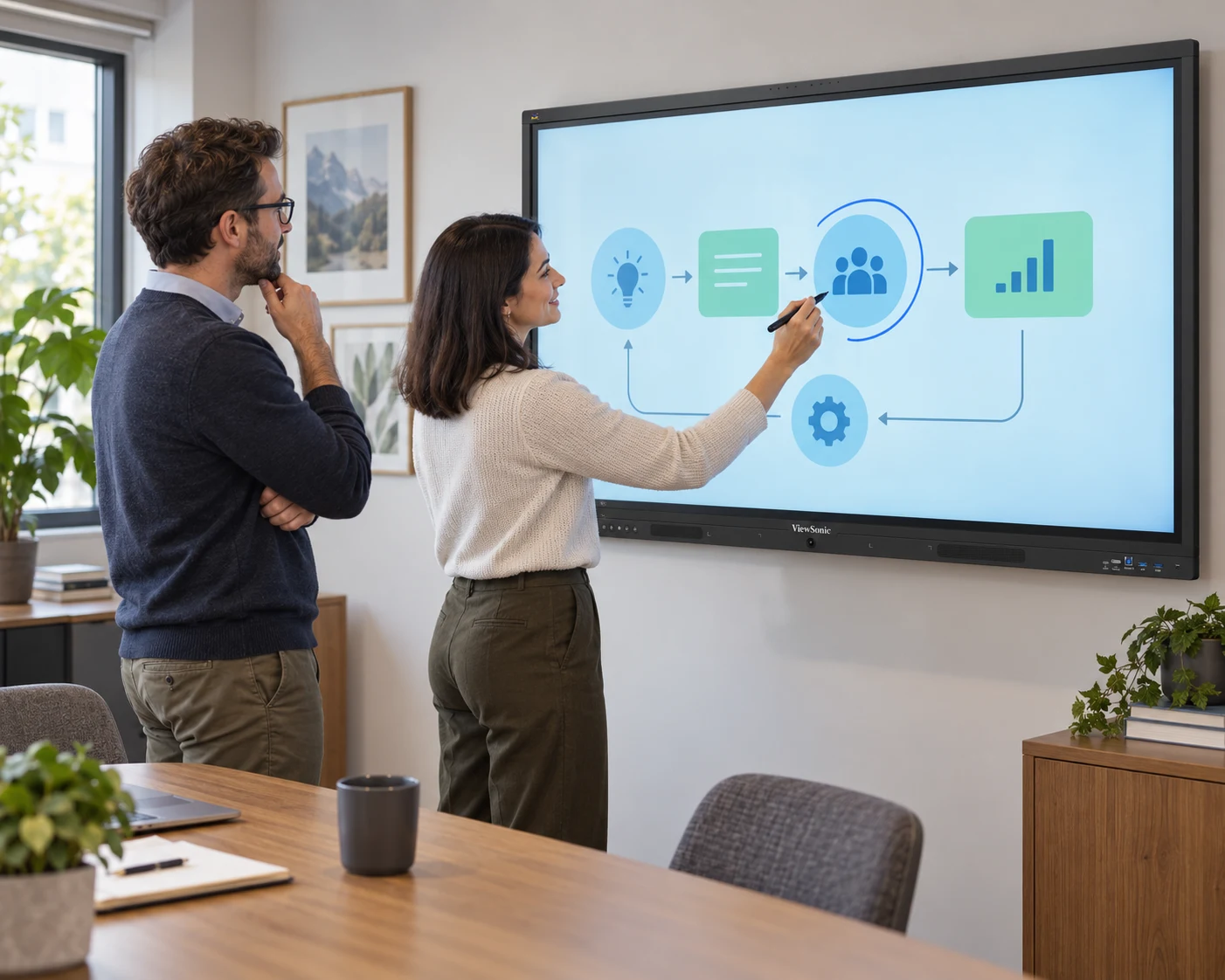
Annotate a plan as you explain it, explore topics together in training and develop ideas on a shared screen. ViewBoard brings touch interaction into group work.
At Unisoft, we help you choose a model that suits your room size and the way your team works.
Plan Around Your Room and Your Team
A small meeting room and a large training space have different needs. We consider seating, access to the screen and the computers your team will use.
USB-C power delivery and connectivity vary by model. We check compatibility with your equipment before finalising the ViewBoard choice.
Teams can review presentations together, annotate and make ideas visible on the touch display. Unisoft helps you choose a ViewBoard model to suit your room and the way you work.
The IFP41-1 series offers 55, 65, 75, 86 and 98-inch options; the IFP35-1 series offers 65, 75 and 86 inches. The 110-inch IFP110 can also be considered for larger spaces.
USB-C capabilities vary by model. Power delivery reaches up to 100 W on the IFP41-1 series and IFP110, and up to 65 W on the IFP35-1 series. We check the functions supported by your computer and cable before installation.
We consider seating, access to the screen, viewing distance and the computers you will use. Microphone, speaker and connectivity features differ by series, so screen size is only part of the decision.
Briefly share your needs and our expert team will analyze the most suitable solution for you. We can schedule a project-specific demo, prepare a detailed quote, or review your technical questions together. We will contact you as soon as possible.