English
  Turkish
  Deutsch














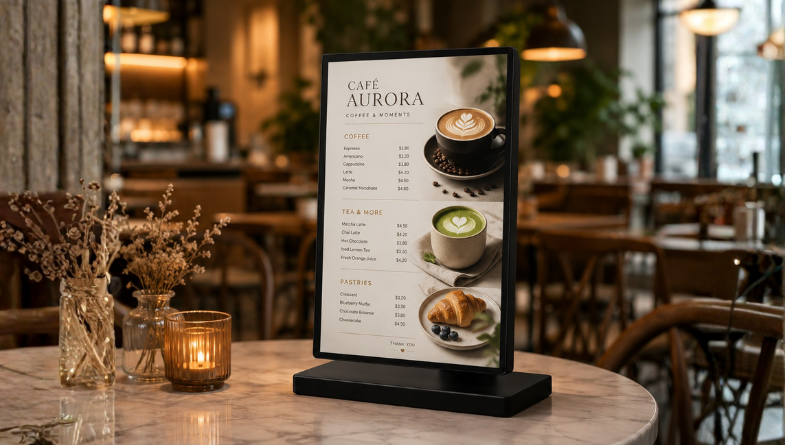
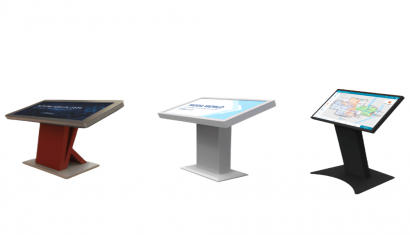
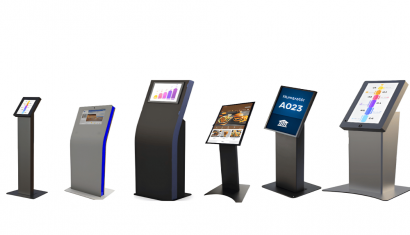
Desktop POP Displays
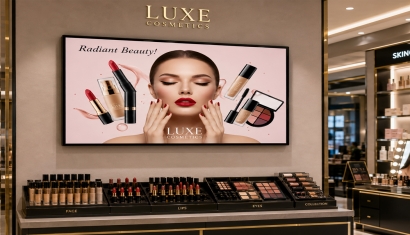
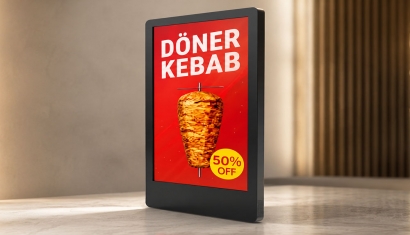
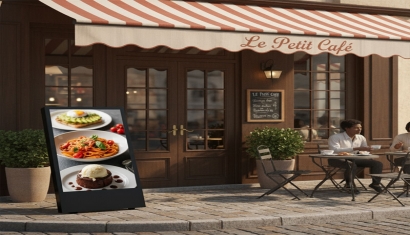
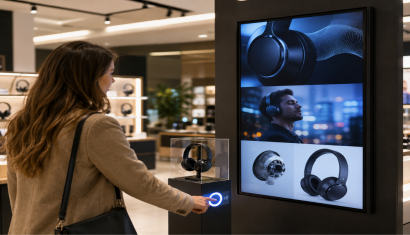
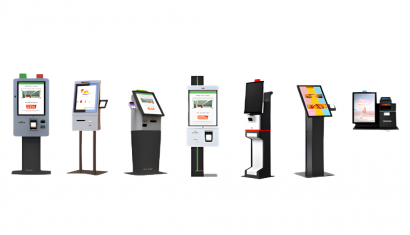
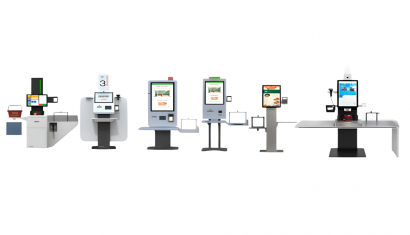
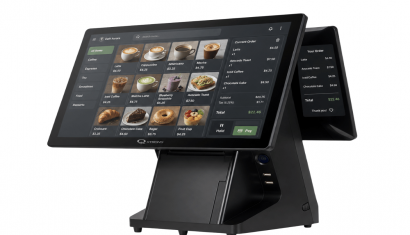
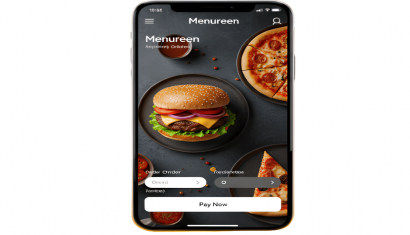
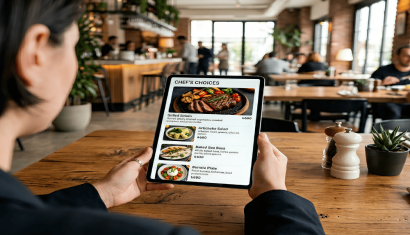
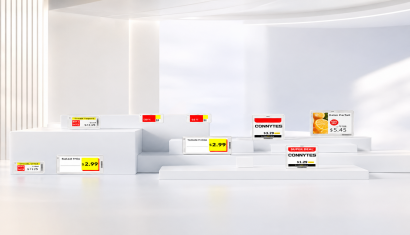
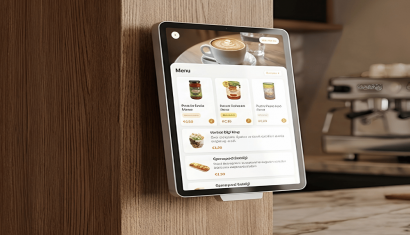
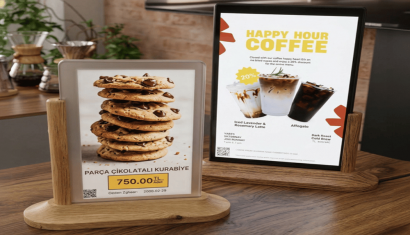
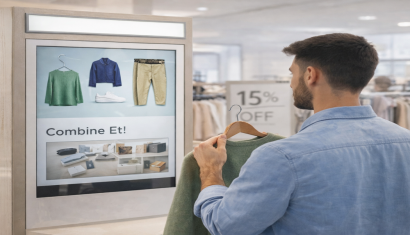
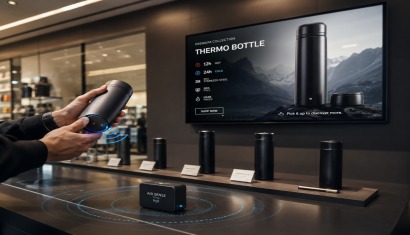
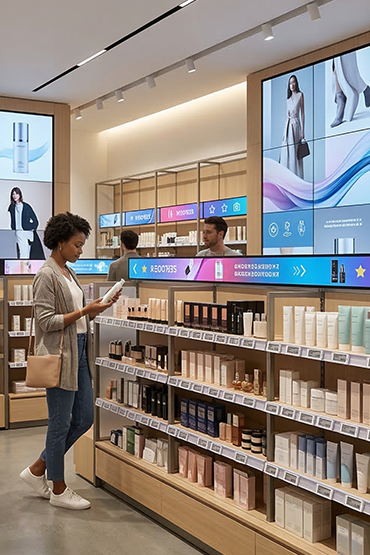
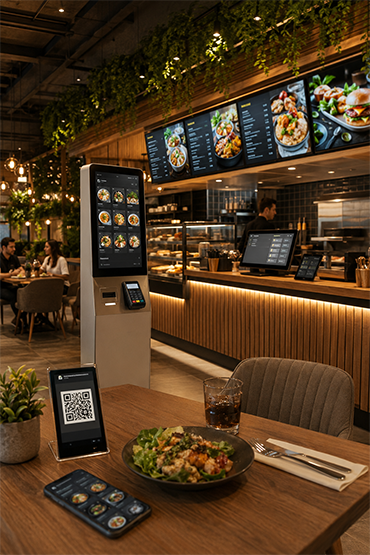
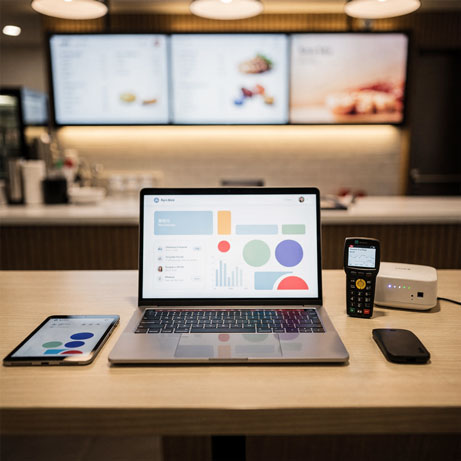
Countertop POP Displays present prices, campaigns, menus and product information beside tills, shelves and restaurant tables. LCD models suit colourful, dynamic content, while E-Paper models offer glare-free, paper-like reading and low power consumption. Long battery life and BLE 5.1 connectivity in E-Paper options support wireless installation.
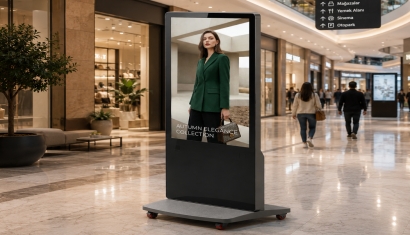
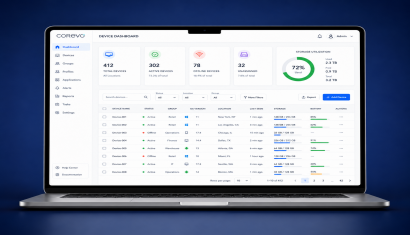
Cloud-based central management updates prices and content across points from one platform, reducing the need to replace printed materials with every change. In stores, supermarkets and hospitality spaces, technology selection should consider whether moving content is required alongside installation conditions. The compact stand design places relevant information directly at the point of purchase.
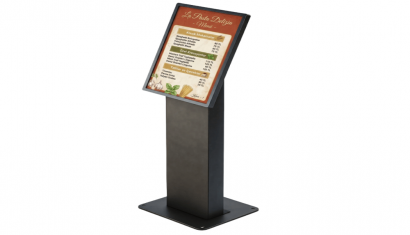
- Compact stand design suitable for checkout, shelf-edge, and tabletop use
- Flexible solutions for diverse needs with LCD and E-Paper technology options
- Anti-glare screen and paper-like natural reading experience in E-Paper models
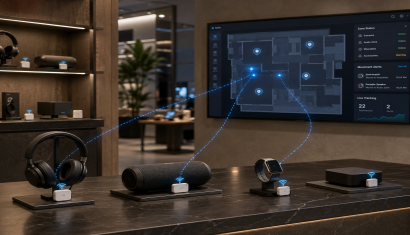
- Completely wireless setup with BLE 5.1 wireless connectivity and up to 5 years of battery life
- Instant price, campaign, and content updates via centralized cloud-based management
- Maximum attention-grabbing capacity with dual-sided visibility option
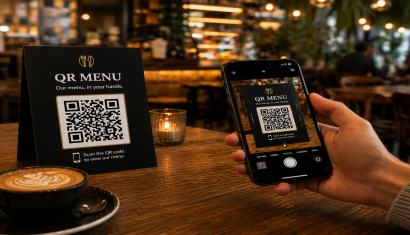
- QR code and digital interaction opportunities with NFC support
- Sustainable structure reducing printed material costs and operational workload
- Durable design suitable for retail, supermarket, restaurant, and cafe environments
Desktop POP Displays is a professional solution used for checkout counters, product tables, reception desks, restaurant tables and point-of-sale locations for close-range promotion. The correct setup should be defined by evaluating the use case, target users, installation environment and required software/hardware components together.
Desktop POP Displays can be considered for checkout counters, product tables, reception desks, restaurant tables and point-of-sale locations for close-range promotion. Viewing or interaction distance, operating hours, physical placement and operational requirements should be reviewed before deployment.
It is suitable for short campaign messages, product features, pricing or service information and close-view visuals. Content should be simple and designed for a small screen and short viewing time.
With suitable software, network connectivity and integration infrastructure, Desktop POP Displays can be included in centralized management or third-party data workflows. Supported connections and integrations should be verified against product documentation and the project scope.
Pricing can vary according to model and hardware configuration, display or device size, software/licensing requirements, peripherals, integrations, installation, quantity and support scope. A project-specific quotation is more accurate once the use case is defined.
Briefly share your needs and our expert team will analyze the most suitable solution for you. We can schedule a project-specific demo, prepare a detailed quote, or review your technical questions together. We will contact you as soon as possible.