English
  Turkish
  Deutsch

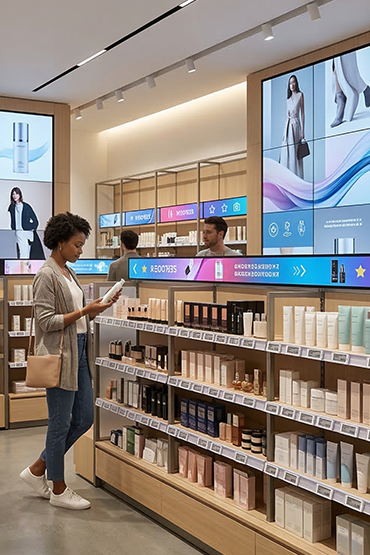
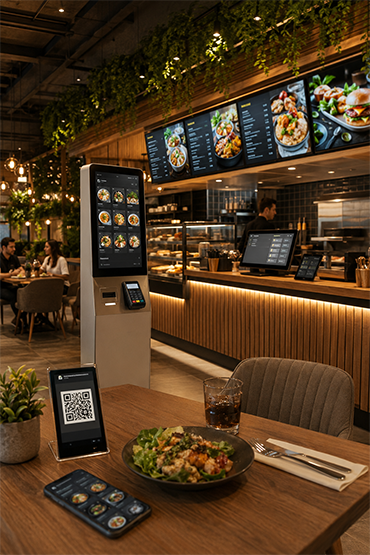
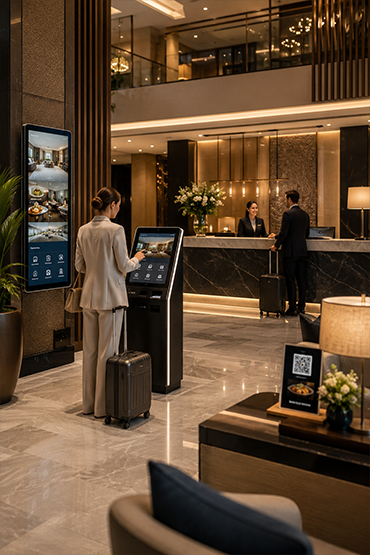
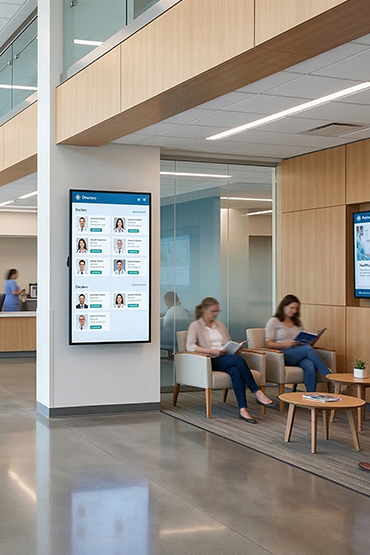
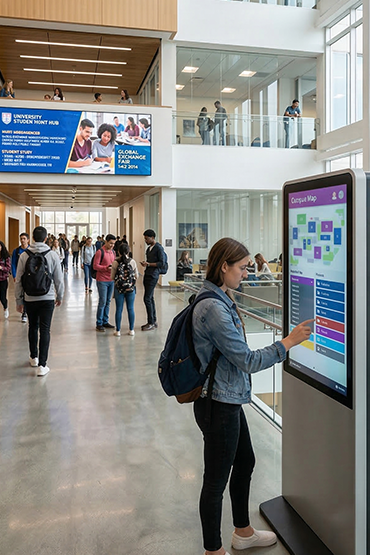
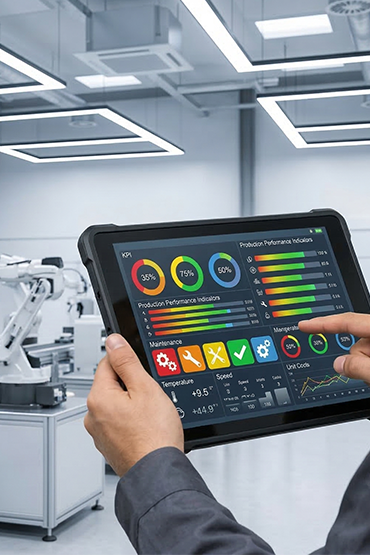
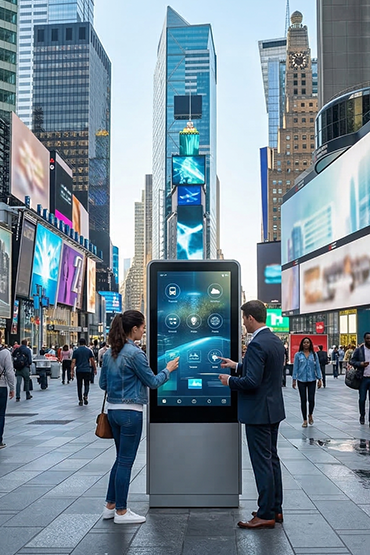













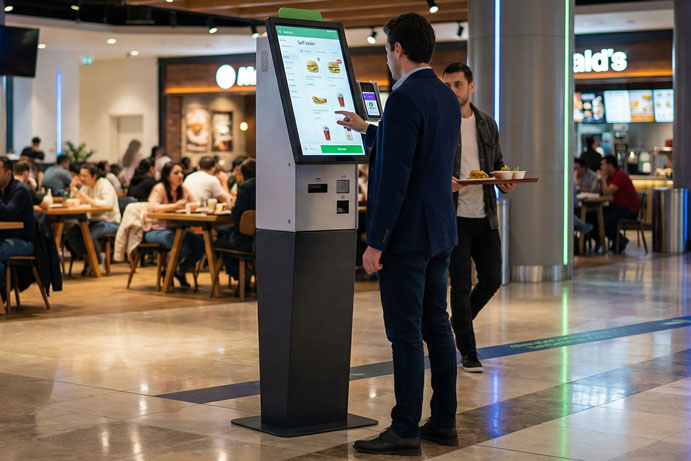
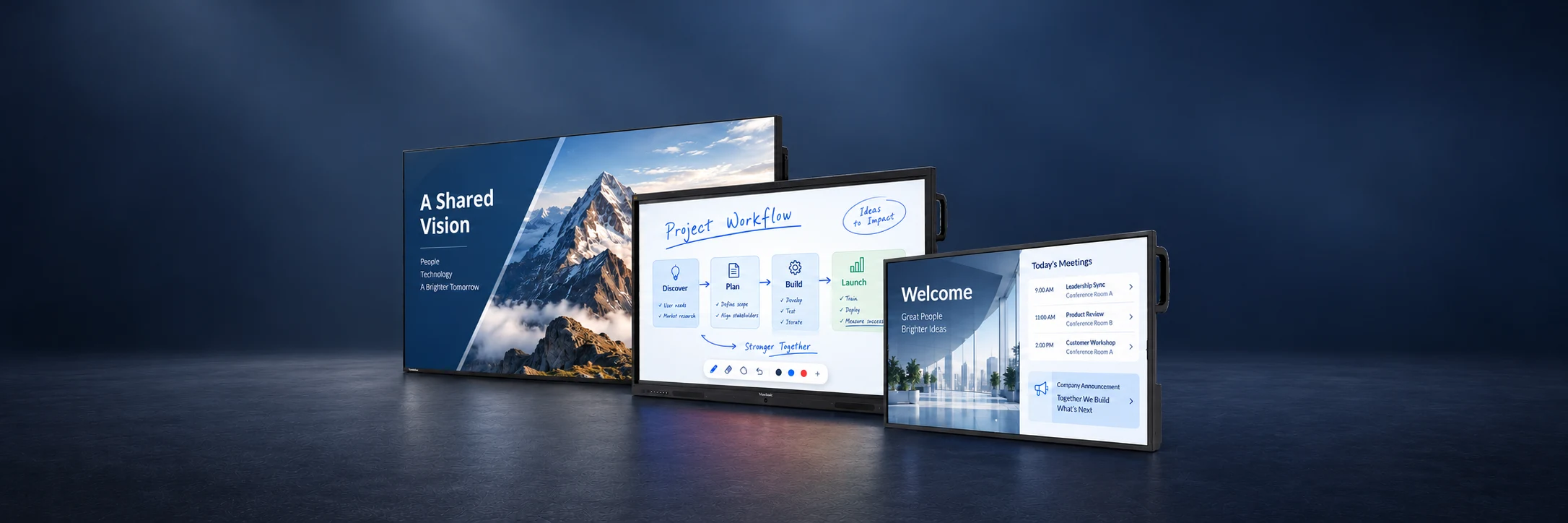
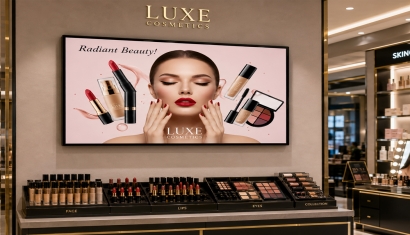
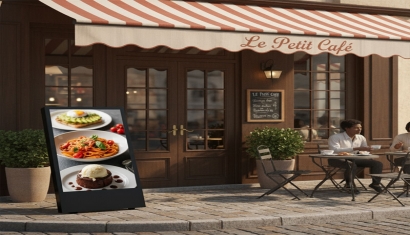
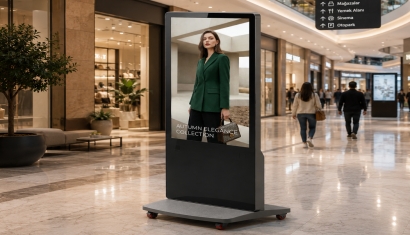
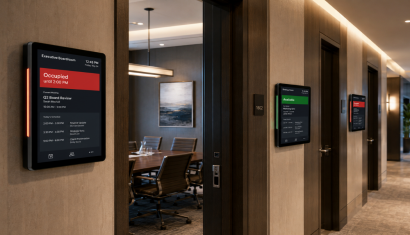
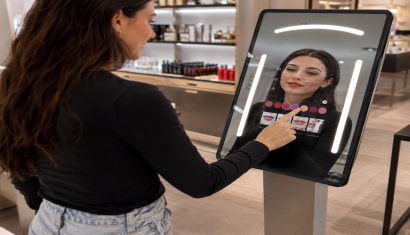
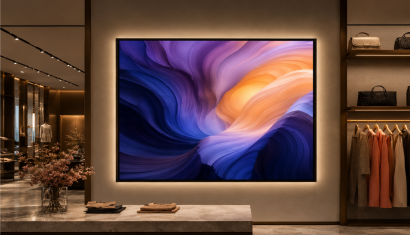
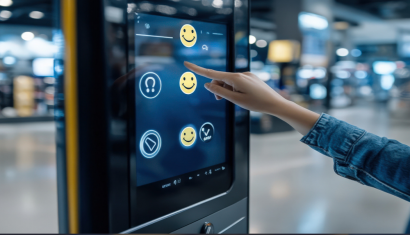
A promotion in a shop, a presentation in a meeting room and a large display in a reception area serve different purposes. At Unisoft, we consider content, viewing distance, daily operating hours and site conditions when selecting a display.
Our Partner Products range brings together ViewSonic commercial displays, ViewBoard interactive displays and all-in-one LED solutions. Explore the models and sizes below to discuss the right setup for your project with us.
Corporate Information Displays
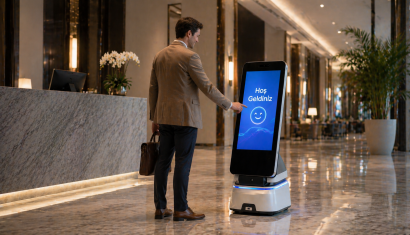
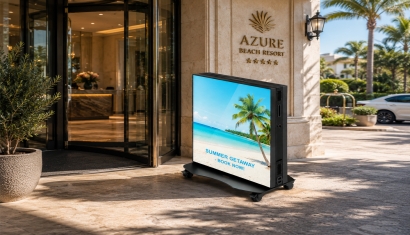
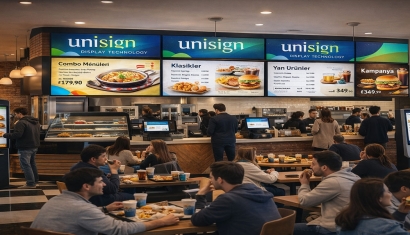
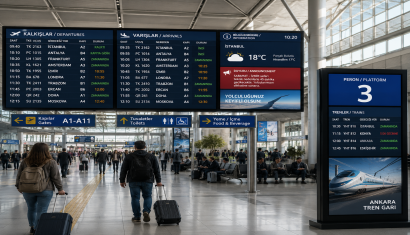
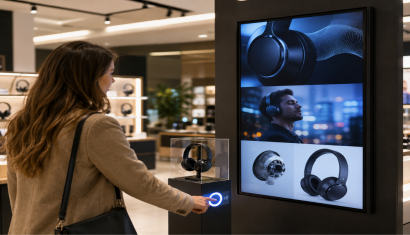
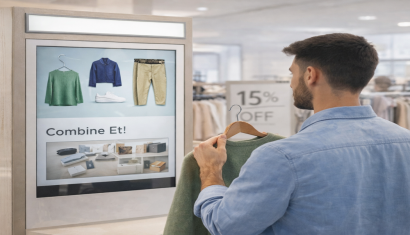
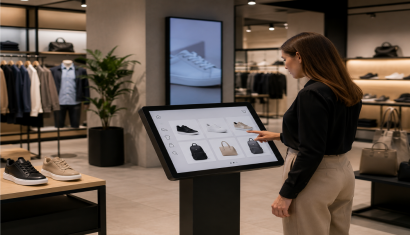
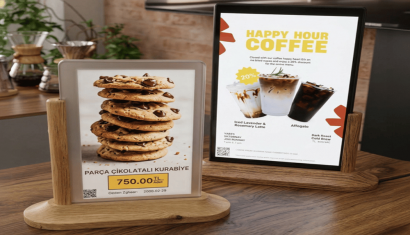
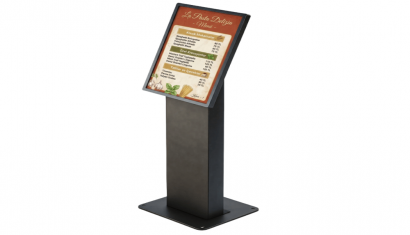
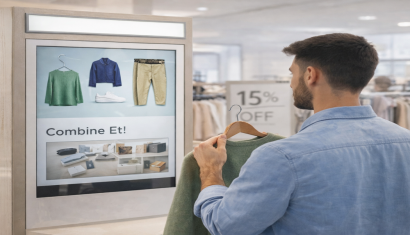
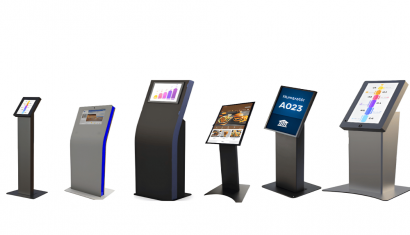
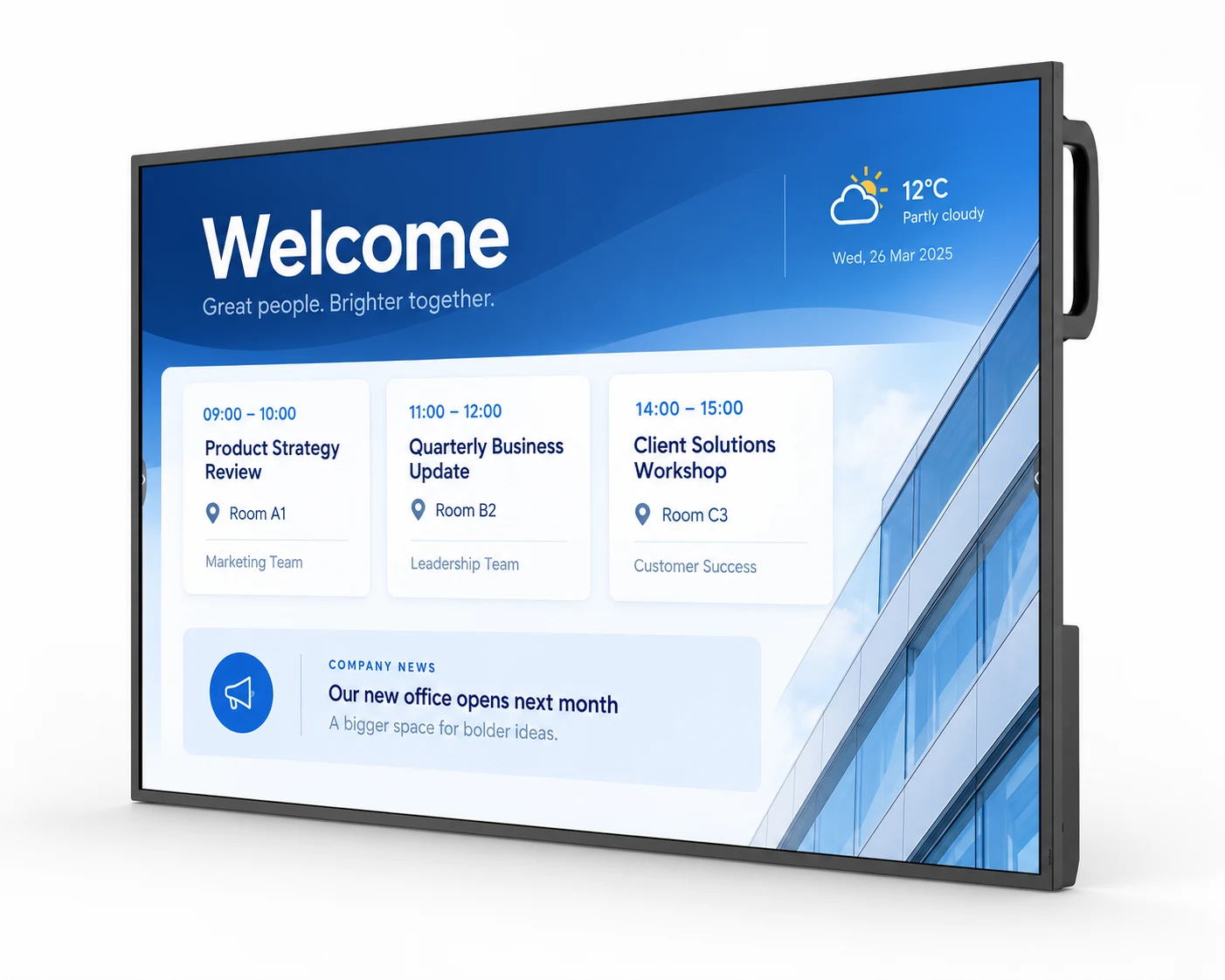
Welcome visitors, share company announcements and highlight in-store promotions. CDE14 gives your everyday communication a visible place.
Plan the display size, installation and content workflow with Unisoft around your space.
43–86 inches • 4K UHD • 24/7 operation
Technical specifications and models
The series offers 4K UHD resolution, 500-nit typical brightness and 24/7 operation, with landscape or portrait installation. Built-in Android 14 AOSP and USB auto-play provide options for different playback setups.
- CDE4314-2C — 43 inches
- CDE5014-2C — 50 inches
- CDE5514-2C — 55 inches
- CDE6514-2C — 65 inches
- CDE7514-2C — 75 inches
- CDE8614-2C — 86 inches
With Unisoft, select the size around viewing distance, text size and available mounting space. Content software and media player requirements are assessed for the chosen model and application.
The on-screen content illustrates a possible use case. Cabinet dimensions vary by model and size.
Work and Create Together
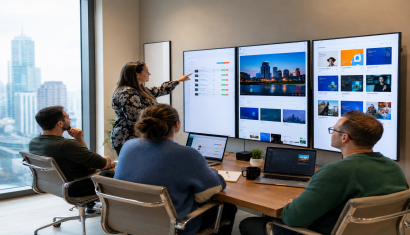
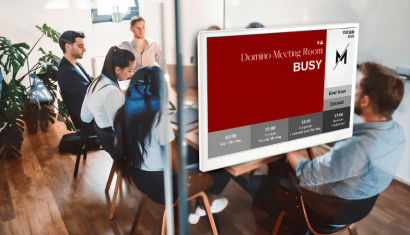
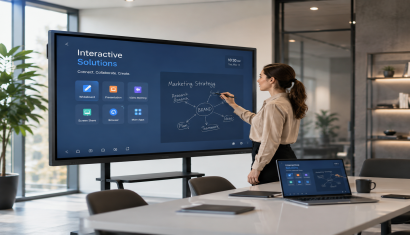
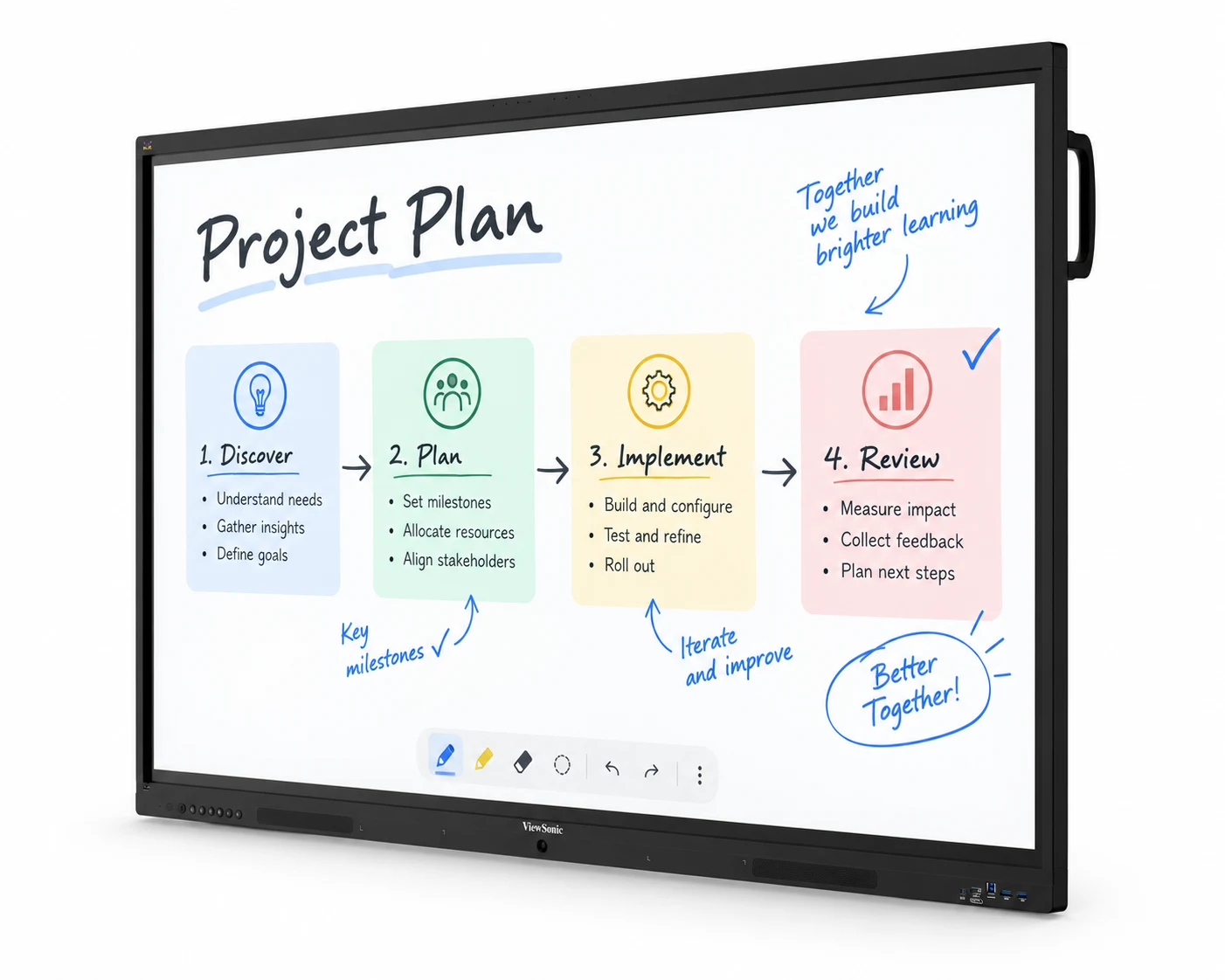
Review project plans as a team, annotate presentations and make training interactive. ViewBoard provides a shared touchscreen for working together.
Choose the size and connections with Unisoft around your room, participants and computers.
55–110 inches • Touchscreen • USB-C
Technical specifications and models
IFP41-1 Series
Android 16, up to 64 touch points, USB-C power delivery up to 100 W and an eight-microphone array make this a choice for meeting and collaboration spaces.
- IFP5541-1 — 55 inches
- IFP6541-1 — 65 inches
- IFP7541-1 — 75 inches
- IFP8641-1 — 86 inches
- IFP9841-1 — 98 inches
IFP35-1 Series
Android 16, up to 64 touch points, USB-C power delivery up to 65 W and 2 × 20 W speakers offer an alternative for learning and collaborative work.
- IFP6535-1 — 65 inches
- IFP7535-1 — 75 inches
- IFP8635-1 — 86 inches
ViewBoard IFP110
A 110-inch 4K interactive surface, Android 13 and USB-C power delivery up to 100 W make the IFP110 an option for larger meeting and training spaces.
Discuss screen size and connections with Unisoft. Installation should be planned around the computers and applications you intend to use.
The on-screen content illustrates a possible use case. Cabinet dimensions vary by model and size.
All-in-One LED for Larger Spaces
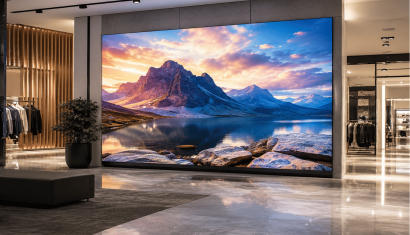
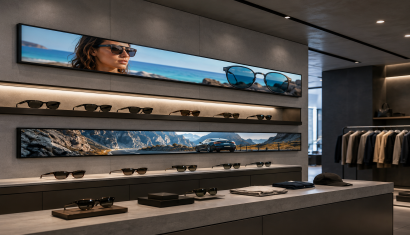
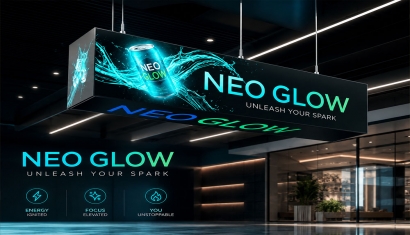
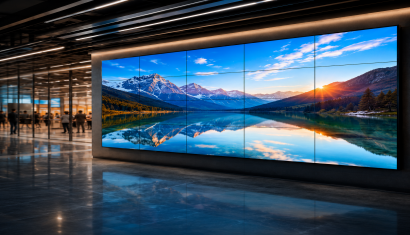
Share conference presentations and company films on a large display. All-in-One LED brings power and control systems together in one cabinet.
Plan your indoor installation with Unisoft around viewing distance, content and mounting requirements.
108 and 136 inches • Full HD • Front maintenance
Technical specifications and models
Its all-in-one design integrates power and control systems into the cabinet. The range provides native Full HD (1920 × 1080) resolution, maximum brightness of 600 nits and front maintenance access. GOB surface protection helps protect the LED modules.
- LDE108-123 — 108 inches
- LDE136-153 — 136 inches
With Unisoft, assess the size against viewing distance, content and the load-bearing conditions of the wall. These options are intended for indoor projects; mounting and electrical infrastructure are planned for each installation.
The on-screen content illustrates a possible use case. Cabinet dimensions vary by model and size.
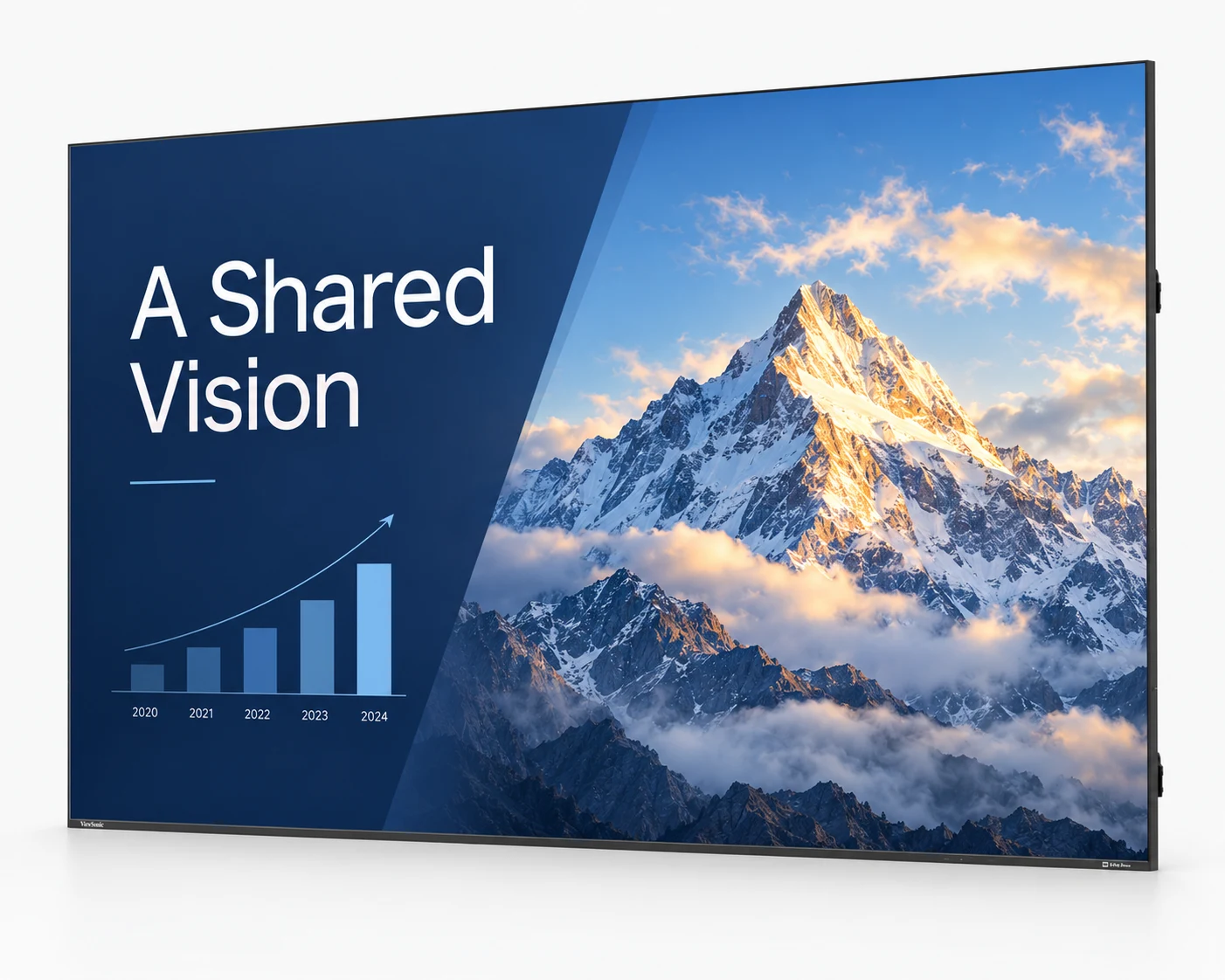
Consider CDE14 commercial displays for promotions and information, ViewBoard for touch-based annotation and collaboration, and LDE all-in-one LED for a larger image area. We assess content, viewing distance, operating hours and installation conditions together.
The inch measurement refers to the screen diagonal. Choose the size around the furthest viewer, text size and available wall space. For interactive use, comfortable reach also matters. Share your room dimensions and intended use with Unisoft.
No. ViewBoard models are designed for interactive use; the CDE14 and LDE ranges do not provide the same touch functions. USB-C power delivery, microphones and speakers vary by ViewBoard series. Touch capacity and connection functions should be checked against the operating system, connected device and suitable cable.
We consider the options on this page for indoor projects. Surface protection on LED modules does not mean that the complete display is suitable for rain or outdoor use. Outdoor installations require a display solution specified for the relevant environmental conditions.
A quotation depends on the model, size, quantity, mounting, media player and software requirements. Compatibility with your current content system and any additional licences are checked for the project. Contact Unisoft with your location, objectives and approximate display quantity to request a quotation.
Briefly share your needs and our expert team will analyze the most suitable solution for you. We can schedule a project-specific demo, prepare a detailed quote, or review your technical questions together. We will contact you as soon as possible.