English
  Turkish
  Deutsch

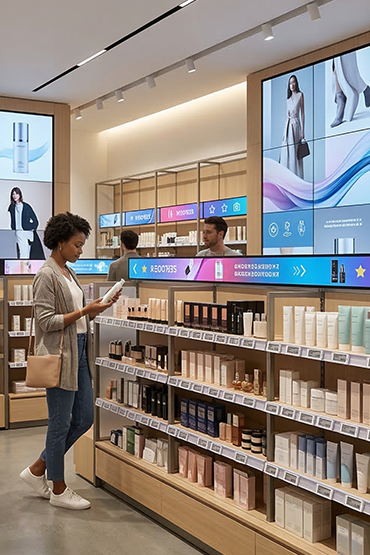
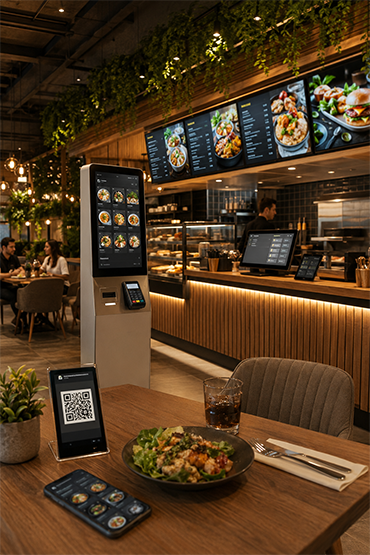
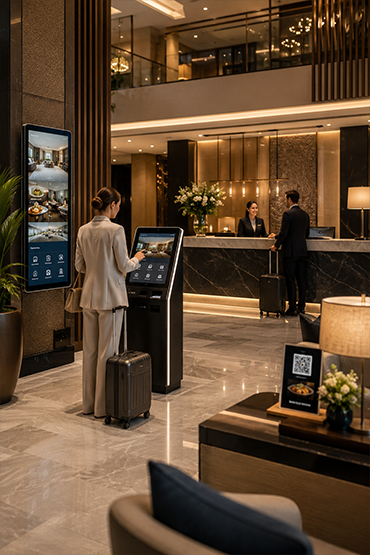
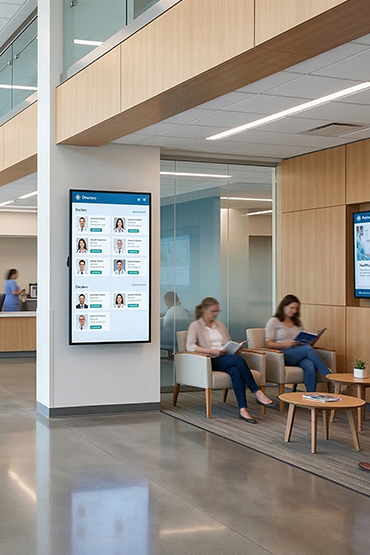
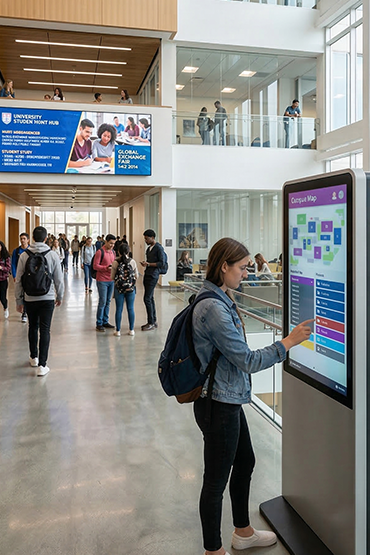
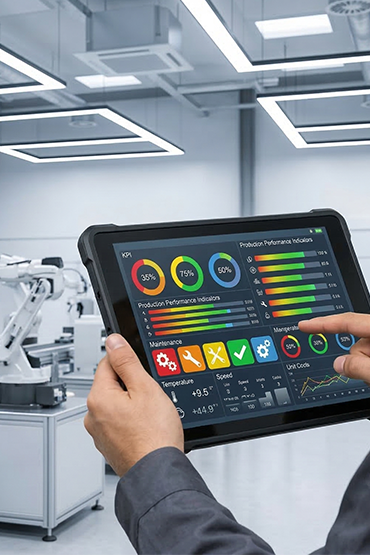
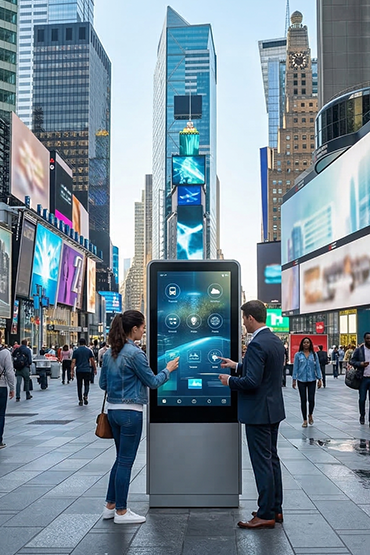













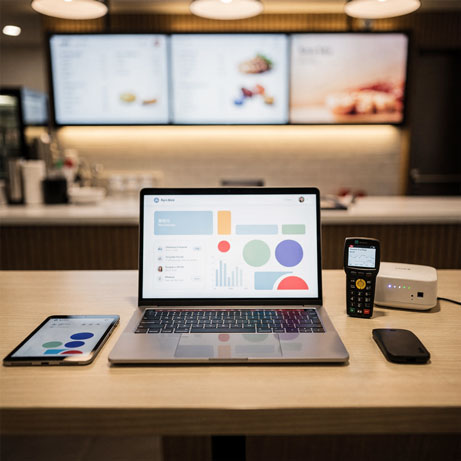
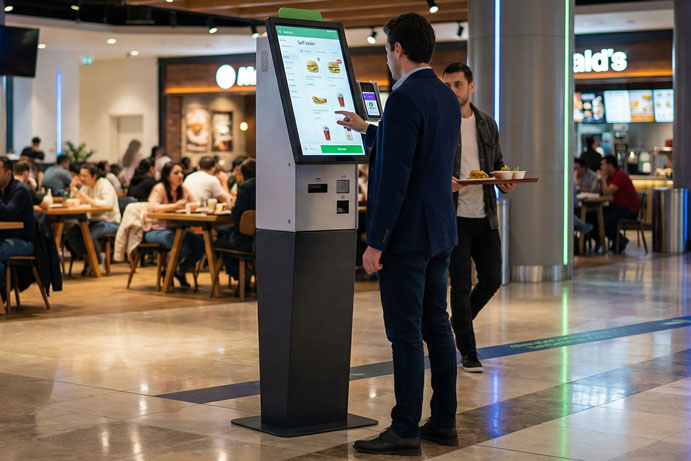

A digital signage system needs more planning than a screen installation. Consider the location, content and person responsible for updates. Decide what should happen if the network connection fails.
This guide links hardware choices to daily publishing tasks. It helps businesses plan a system that stays useful after launch.
1. Define the job before choosing the display
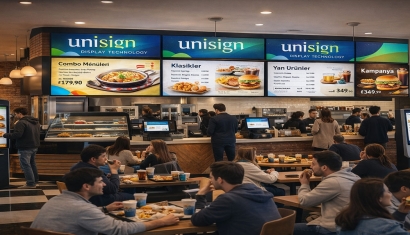
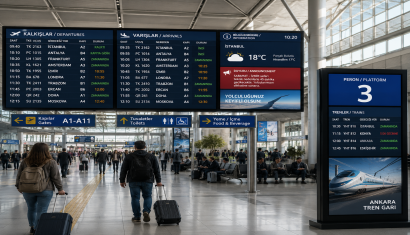
Begin with what the audience needs to see. Restaurant prices, hotel events and production information require different layouts and operating workflows. Record the audience, viewing distance, daily operating hours and content owner for each screen.
Consider a hypothetical business with two displays in each of three branches. Should all six show the same campaign, or should entrance screens differ from those behind the counter? Answering this question establishes publishing groups and responsibilities before purchasing hardware. It is a planning example, not a reported customer outcome.
2. Match the display to its environment
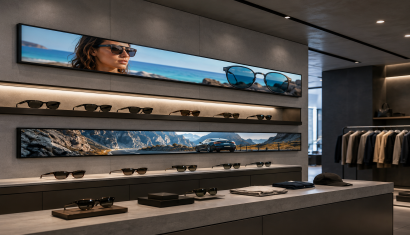
Do not evaluate a sheltered information point and a sunlit storefront as identical installations. Record orientation, ambient light, reflections, ventilation and maintenance access during the survey. Check operating hours, temperature limits and mounting dimensions in the selected model's documentation; professional displays do not all have the same capabilities.
Demonstrate actual content at the intended viewing distance. Buying a higher-resolution screen will not, by itself, repair a layout with prices that are too small. Review the design and physical placement as part of the same decision.
3. Decide between integrated and external playback
The LG 55VL5PJ-A is one professional display offering built-in SoC and webOS.
Evaluate the need for a separate player against the screen's built-in platform and the intended application. Do not extend one model's capabilities to every display or CMS.
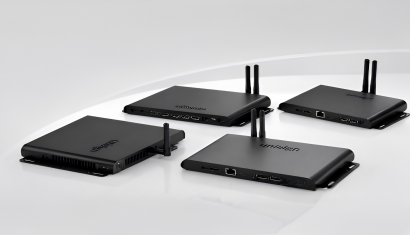
For an external media player, assess resolution, file formats, connectivity and software together. Unisoft's Android player range describes 4K playback, central content distribution and different connection options. Test the chosen configuration with the files your business intends to publish.
4. Evaluate software through a real workflow
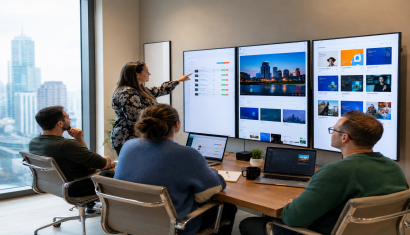
Prepare a demonstration for the digital signage software: upload a file, select screens, set start and end times, restore an earlier campaign and review account permissions. Confirm which functions are included in the proposed package rather than relying on a feature heading.
Separate central and branch responsibilities. A completed installation does not establish who will remove expired offers or maintain prices. Name the content owner and document the update process at handover, including cover for holidays or personnel changes.
5. Test connectivity and interruption scenarios
Plan the network with the organisation's IT team. Agree on access requirements, necessary connection permissions, download windows and remote support procedures.
MediaSignage describes local cached playback for previously downloaded content.
Ask separately about live data, new updates and permitted offline duration in the selected system. Confirm behaviour against the specific software and licence.
During the pilot, interrupt connectivity in a controlled test and observe recovery. Record whether the expected content plays and whether pending updates arrive. Electrical work and structural mounting should be performed by qualified teams in accordance with product installation requirements.
6. Complete content, pilot testing and handover
Prepare initial files before rollout. Create appropriate landscape and portrait layouts, then test examples containing logos, prices, descriptions and video. Check player time, publishing schedules and the default content that appears after a campaign expires.
The handover should include a device inventory, account ownership, mounting information, support contacts and an update procedure. Assign responsibility for periodic checks. Assess the system not only by its launch-day appearance but also by whether its content remains current during normal operations.
Where should your project start?
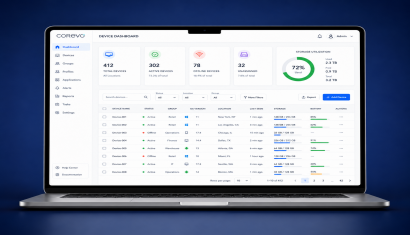
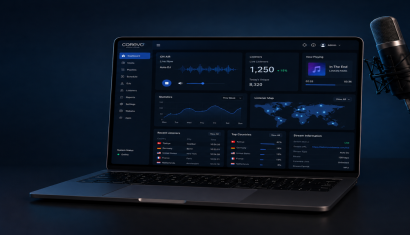
Define the communication requirement first, followed by the display and playback infrastructure. Compare professional media players and digital signage software when preparing the brief. Corevo can also be included in the discussion of publishing management. Providing screen locations, sample content and branch numbers helps suppliers quote a clear scope rather than an isolated equipment list.
Frequently Asked Questions
Does every display need a separate computer?
Not necessarily. A compatible built-in player or an external media player may be used. The choice depends on display capabilities and software support.
Can a business start with one display?
Plan a one-location pilot and define naming, licensing and support from the beginning when future expansion is expected.
Will content keep playing without internet?
Suitable cache-enabled systems can play downloaded files. Live feeds and remote updates may need connectivity, so test the expected behaviour during the demonstration.
Can existing screens be reused?
Assess their inputs, playback compatibility and operating conditions. Review the exact model and test real content before committing to reuse.
What should an installation quote include?
Separate displays, players, software, network work, mounting, content preparation, training and support. Request written details of excluded items.