English
  Turkish
  Deutsch

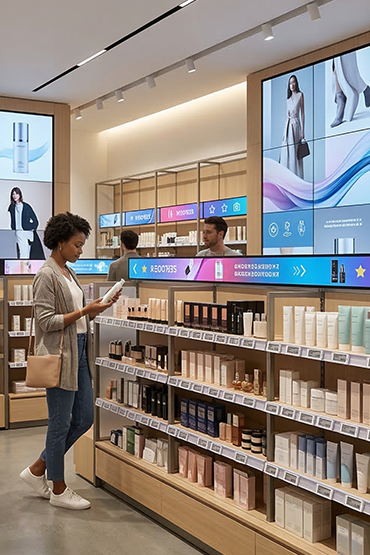
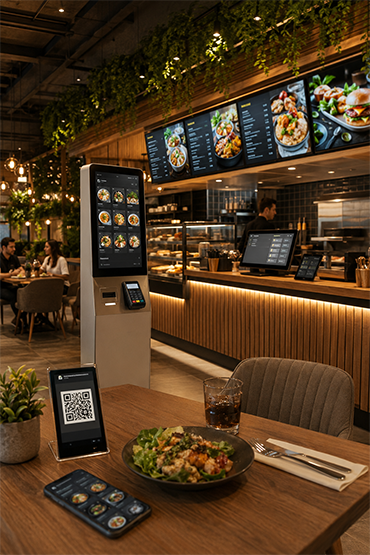
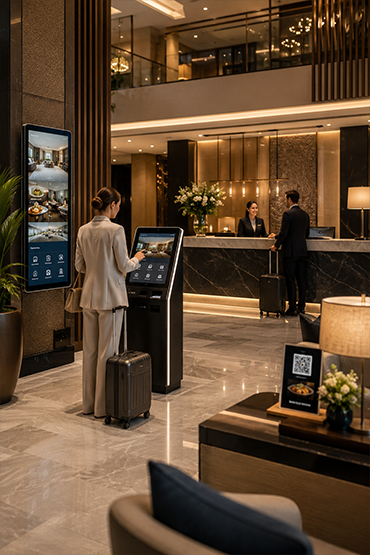














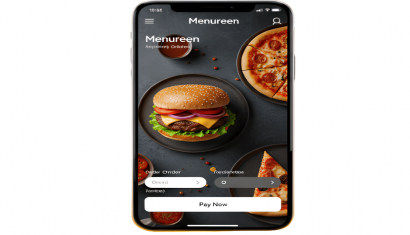
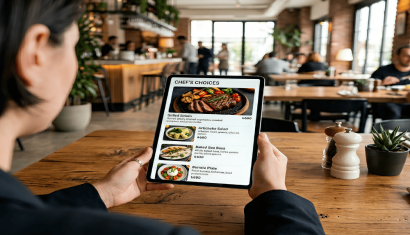
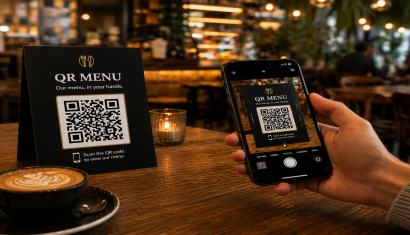
Restaurant menus are increasingly accessed digitally. A small QR code on the table gives customers instant access through their own smartphones. They can view products, current prices, offers and images.
A QR menu is a mobile-friendly digital menu that opens when a customer scans a QR code with their phone camera. No dedicated application is required. The online menu opens directly in the mobile browser.
A well-designed QR code menu does more than transfer a printed menu to a screen. It enables businesses to update products and prices centrally, provide multilingual content, and manage the digital customer experience more efficiently.
What Is a QR Menu?
A QR menu is a web-based menu solution designed for restaurants, cafés, hotels, bakeries, and other food service businesses. Customers scan a code placed at the table, counter, or service area to access menu information.
A digital menu can include:
- Product categories
- Product names and descriptions
- Current pricing
- Product images
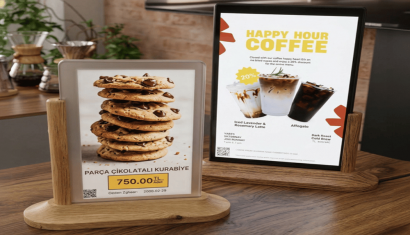
- Promotions and special offers
- Multiple language options
- Business and allergen information
- Project-specific waiter call or bill request functions
When the business changes a product or price, the physical QR code does not normally need to be replaced. Updates made through the management platform can be reflected in the menu opened through the existing code.
How Does a QR Menu Work?
A QR menu consists of a web-based digital menu and a QR code that directs customers to that menu.
The customer journey is straightforward:
- The customer points the phone camera at the QR code.
- A link appears on the screen.
- The customer opens the link in the mobile browser.
- Products, categories, prices, descriptions, and images become available.
- Additional functions can be used when enabled for the project.
Restaurant staff manage the content through a centralized panel. Authorized users can add or update products, categories, descriptions, prices, images, and promotional information.
QR Menu vs. Printed Menu
Printed menus must be physically redesigned and reproduced when products, prices, or branding change. This can create additional work for restaurants that frequently update pricing, seasonal dishes, or promotional offers.
A digital menu can be updated through an online management platform. An unavailable product can be temporarily removed, pricing can be changed, and a new campaign can be published without producing a new printed menu.
Key differences include:
- Printed price changes may require new materials, while digital prices can be updated online.
- Multilingual printed menus may require separate versions, while a QR menu can present several languages in one system.
- Printed layouts provide limited space, while digital menus can include additional images and descriptions.
- Printed menus are physically distributed, while online menus are accessed from customers’ smartphones.
- Digital content can be centrally managed and adapted by location.
Restaurants do not have to abandon printed menus completely. Both formats can be used together to serve different customer preferences.
Benefits of QR Menus for Restaurants
Faster menu and price updates
Products, descriptions, prices, and promotional offers can be updated from the management platform without printing new menus.
Reduced dependence on printing
Restaurants that frequently update products or pricing can reduce recurring menu production and replacement processes.
Rich product presentation
Digital menus can combine images, descriptions, ingredients, pricing, and promotional information, helping customers review products in greater detail.
Multilingual menu options
Hotels, tourist locations, and international restaurants can offer multiple language options through the same digital menu.
Centralized multi-location management
Restaurant chains can manage shared products and campaigns centrally while publishing location-specific content where required.
How Is a QR Menu Set Up?
A successful QR menu implementation requires more than generating a code. Menu structure, mobile usability, content management, and restaurant operations should be planned together.
Define operational requirements
The number of locations, products, categories, languages, and required service functions should be determined. A small café and a multi-location restaurant chain will have different management requirements.
Prepare menu content
Product names, categories, prices, descriptions, and images are added to the system. Content should remain clear and easy to read on mobile screens.
Adapt the design to the brand
Logos, colors, typography, and menu layout can be aligned with the restaurant’s corporate identity.
Position the QR codes
Codes can be placed on tables, printed cards, walls, counters, service areas, or other visible customer touchpoints.
Test mobile usability
The menu should be tested on different smartphones and screen sizes. Text must be readable, categories should be easy to navigate, and the page should load efficiently.
Can Customers Order Through a QR Menu?
Not every QR menu automatically includes ordering or payment. Some systems are designed only to display products, descriptions, and prices.
Depending on the software and project configuration, a QR menu may also support:
- Table ordering
- Waiter calls
- Bill requests
- Delivery
- Takeaway
- POS or restaurant ordering system integration
- Online payment
Businesses that require ordering and payment functions should evaluate the QR Menu together with suitable Order Management solutions.
QR Menu vs. Self Order Kiosk
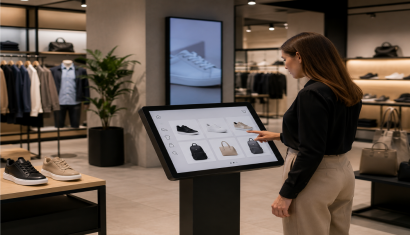
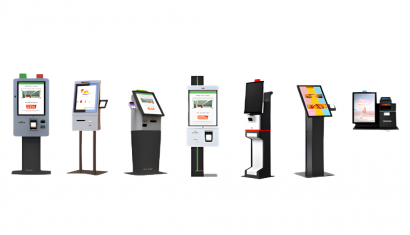
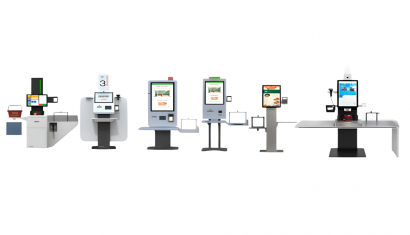
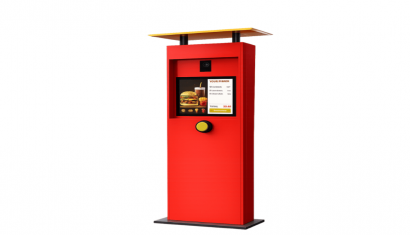
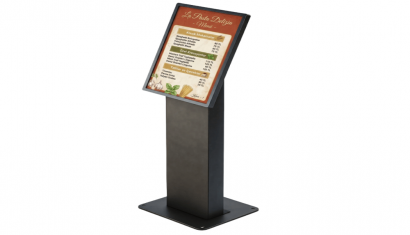
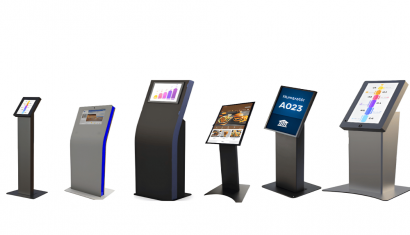
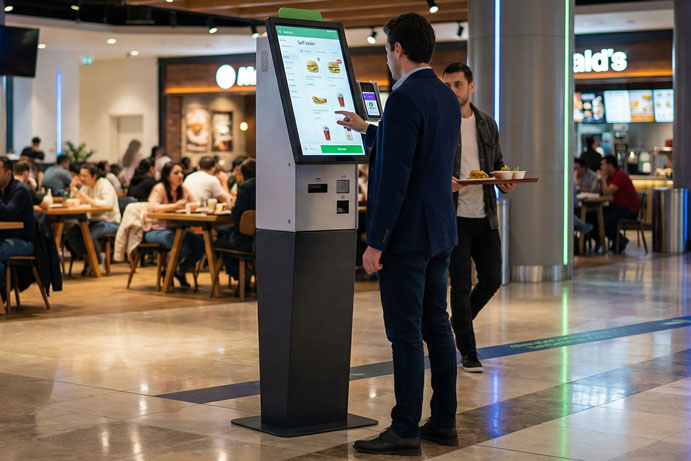
A QR menu is accessed through the customer’s smartphone. A Self Order Kiosk is a dedicated interactive device installed inside the restaurant.
A self-service kiosk may include a touch display, kiosk enclosure, receipt printer, barcode reader, or payment terminal. QR menus generally rely on the customer’s own device.
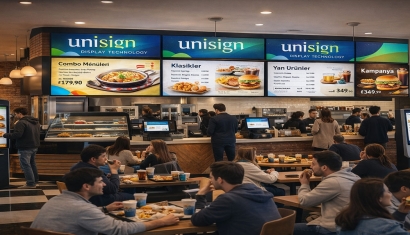
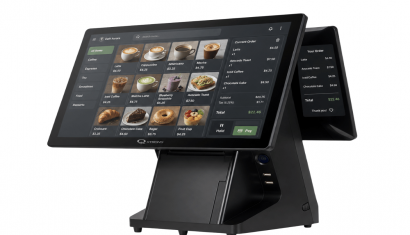
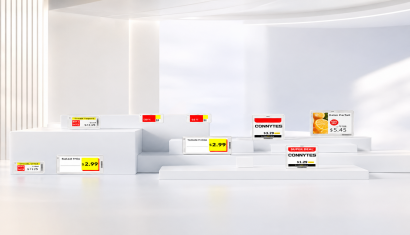
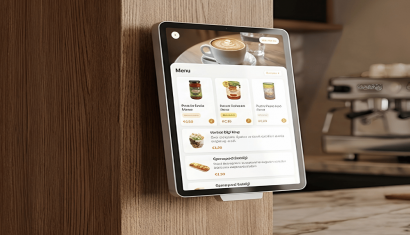
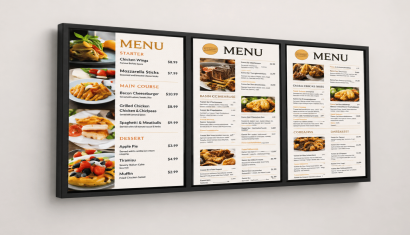
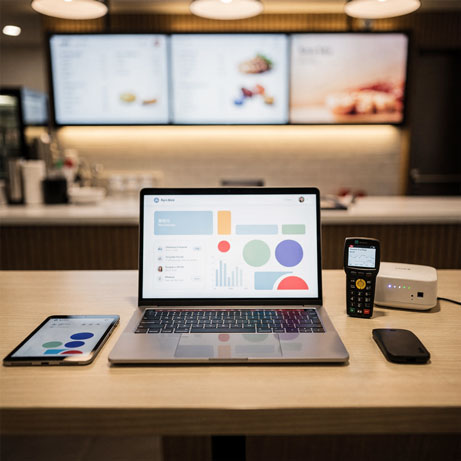
The two solutions can work together. A restaurant can use QR menus at tables, a Self Order Kiosk near the entrance, a POS system at the counter, and Menu Board Displays above the service area.
What Should Restaurants Consider When Selecting a QR Menu?
A digital menu should be evaluated according to daily operational requirements, not only its visual design.
Important selection criteria include:
- Mobile-friendly and fast-loading interface
- User-friendly management panel
- Fast product and price updates
- Multilingual support
- Location-based content management
- Product images and descriptions
- Waiter call and bill request options
- Ordering, POS, or payment integration requirements
- User permissions and access management
- Training and technical support
The menu should remain clear and easy to navigate. Complex categories, very small text, and excessively long descriptions can reduce usability.
What Affects QR Menu Pricing?
QR menu pricing varies according to the required features and project structure. A simple digital menu and a comprehensive platform with ordering, payments, and multi-location management have different requirements.
Main pricing factors include:
- Number of locations
- Number of products and categories
- Multilingual requirements
- Custom design
- Waiter call and bill request functions
- Table ordering
- POS and payment integrations
- Technical support and training
- Project-specific development
The restaurant’s current menu and ordering workflow should be reviewed before preparing a final quotation.
Conclusion
A QR menu helps restaurants update content more quickly, provide mobile access, and reduce repeated printed menu processes.
When properly planned, it can also support multilingual communication, promotional management, visual product presentation, customer service functions, and centralized location management.
Businesses can review the Unisoft QR Menu solution to evaluate suitable features and request a project-specific quotation. For a broader structure combining QR menus, self-service ordering, menu boards, and restaurant technology, the Cafe and Restaurant Solutions portfolio can also be explored.
Frequently Asked Questions
Do customers need to download an app to use a QR menu?
No. The menu opens in the mobile web browser after the customer scans the QR code with the phone camera.
Can prices be updated after the QR codes have been printed?
Yes. Authorized users can update products, prices, descriptions, images, and promotional information through the management platform.
Can a QR menu support multiple languages?
Yes, depending on the selected system. Multiple languages can be presented through the same digital menu.
Can customers place orders through a QR menu?
Ordering depends on the software and integration scope. A QR menu can be used only for menu presentation or expanded with table ordering and payment functions.
How is QR menu pricing calculated?
Pricing depends on the number of locations, products, languages, design requirements, ordering and payment integrations, additional service functions, and support scope.